
BusLink
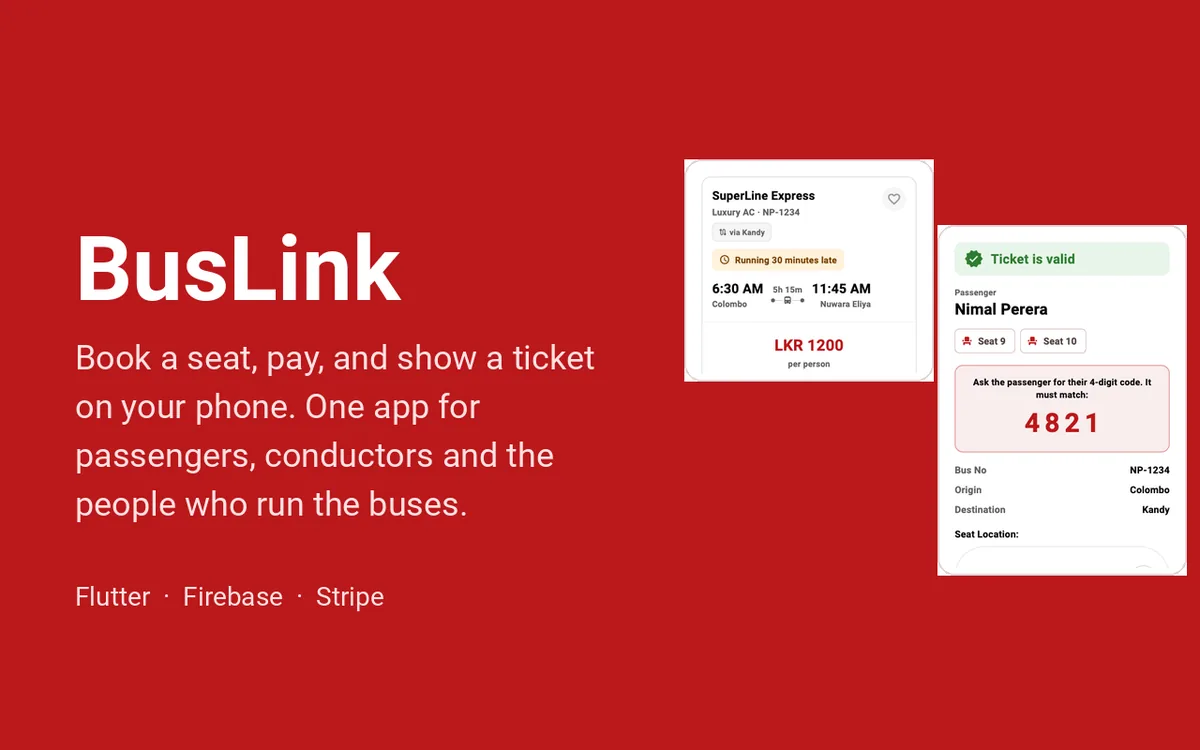
Book a bus seat, pay and show a ticket on your phone. One app for passengers, conductors and the people who run the buses.
- Who it is for
- Passengers, conductors and bus operators
- What it is
- One app with three kinds of user
- My part
- Design, build and documentation
- Built with
- Flutter · Firebase · Stripe
Read it your way
Showing the plain-words view, written so anyone can follow it. Switch to see the technical detail.
Showing the engineering view: names of tools, how the pieces talk and why they were chosen.
Why it exists
Buying a bus ticket should not mean queues or guesswork. A passenger finds a trip, picks seats on a live map, pays by card and gets a QR ticket. The conductor scans it as they board, and a ticket can never be used twice.
What it does
- 01
Find a bus
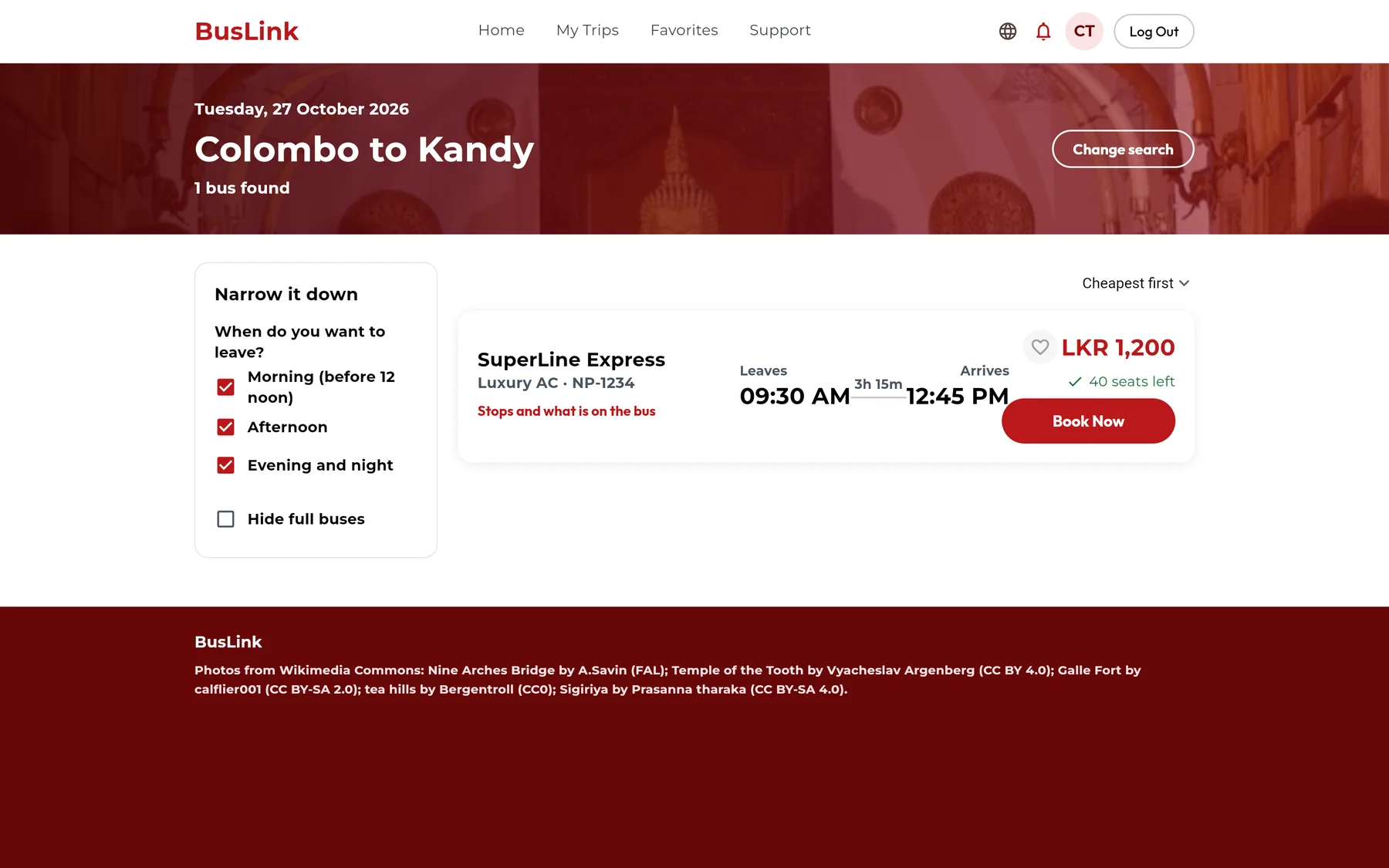
Search by route and date, and save the routes you take often.
Trip search over Firestore with favourite routes per user.
- 02
Pick your seats
See which seats are free, taken or yours, live.
Live seat map; seats are held while payment completes.
- 03
Pay by card
Pay in the app. Card details never touch BusLink.
Stripe payments and refunds through two small Vercel functions (test mode).
- 04
A ticket on your phone
A QR code you can show, and save as a PDF.
QR ticket per booking, rendered and exportable to PDF.
- 05
Scan to board
The conductor scans the ticket. A second try is refused.
Single-use check at scan time, written atomically.
- 06
Three languages
English, Sinhala and Tamil, with big buttons and plain words.
Localised UI; status never shown by colour alone.
See it
Choose a bus 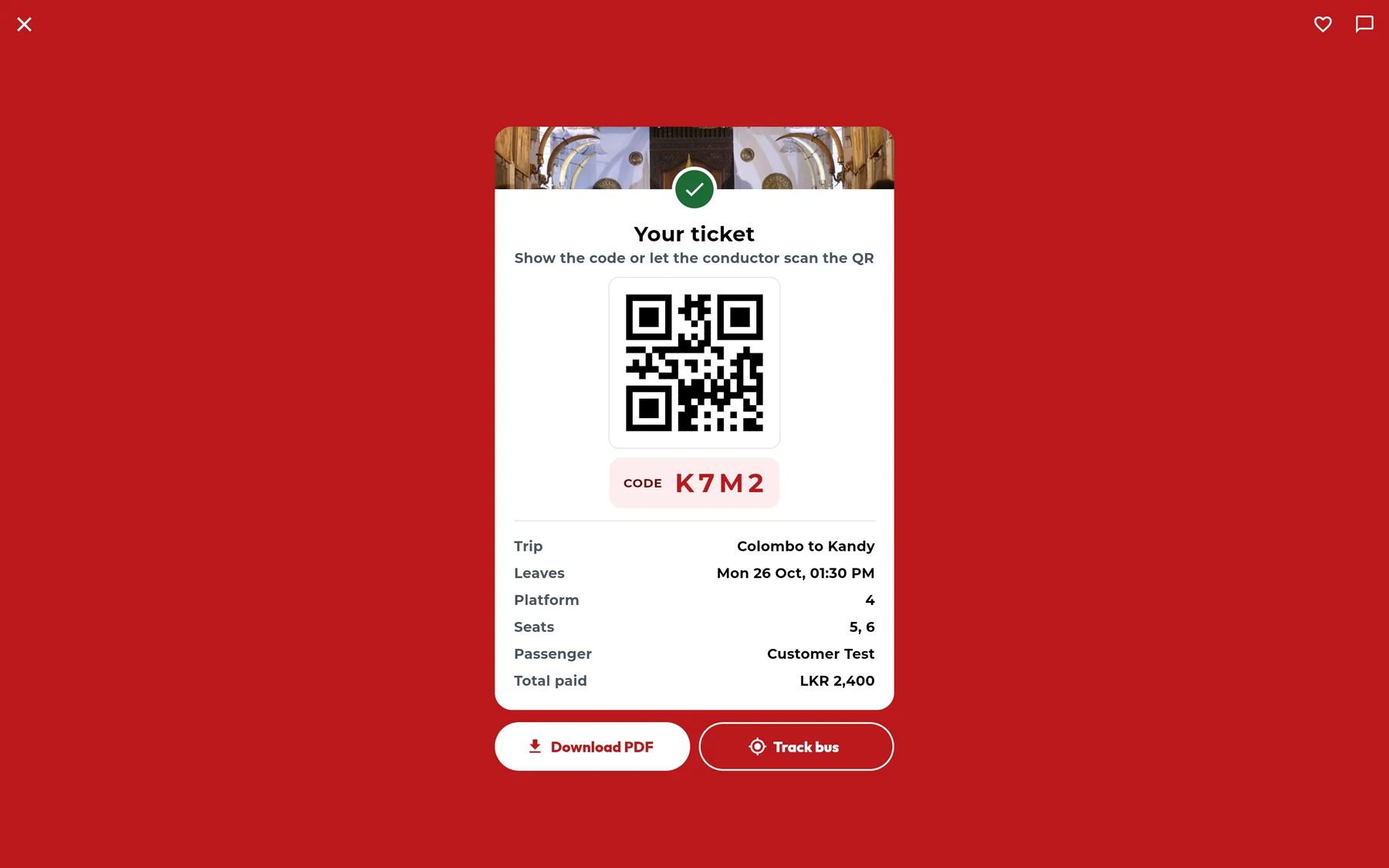
Your ticket 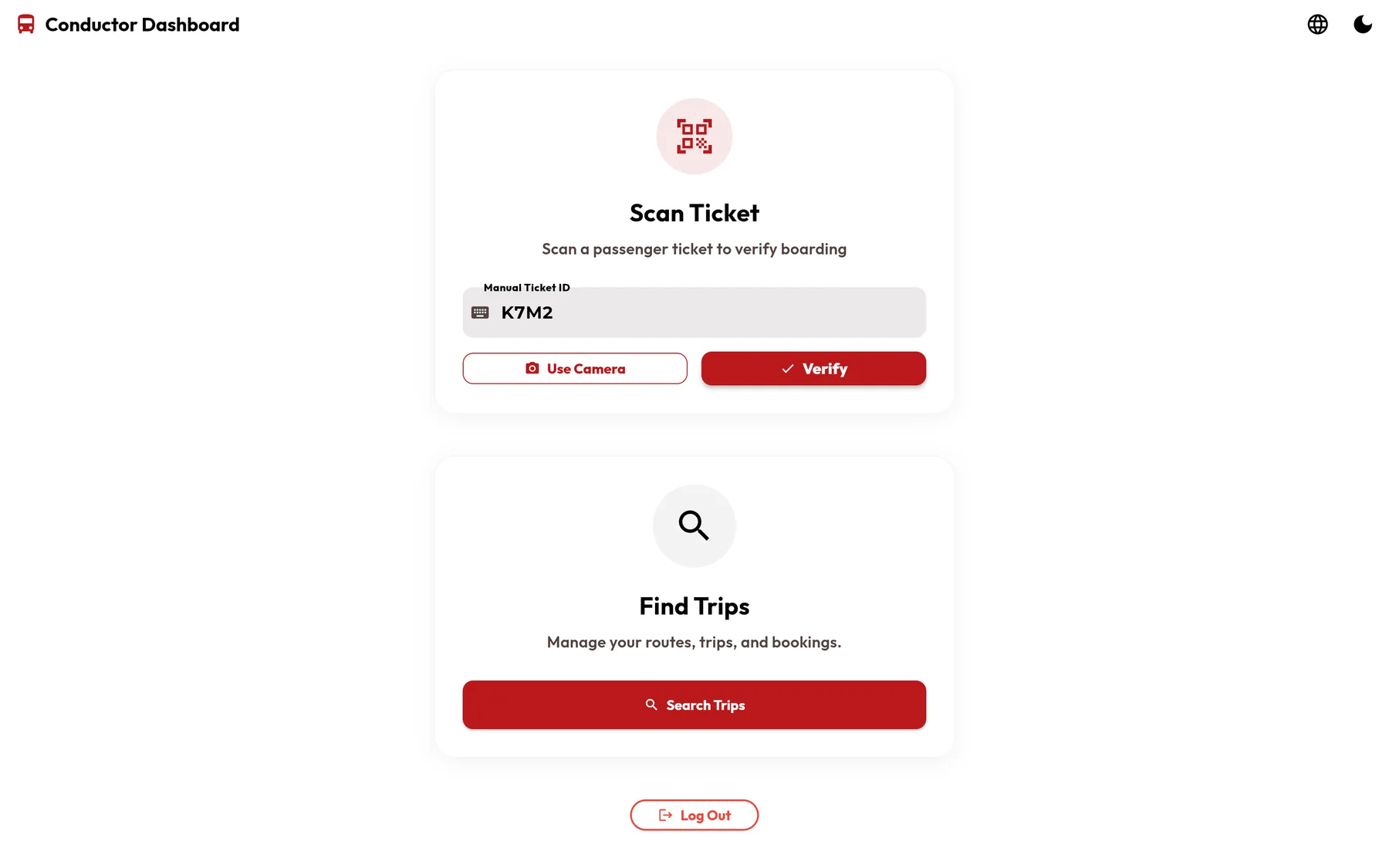
Conductor checks it 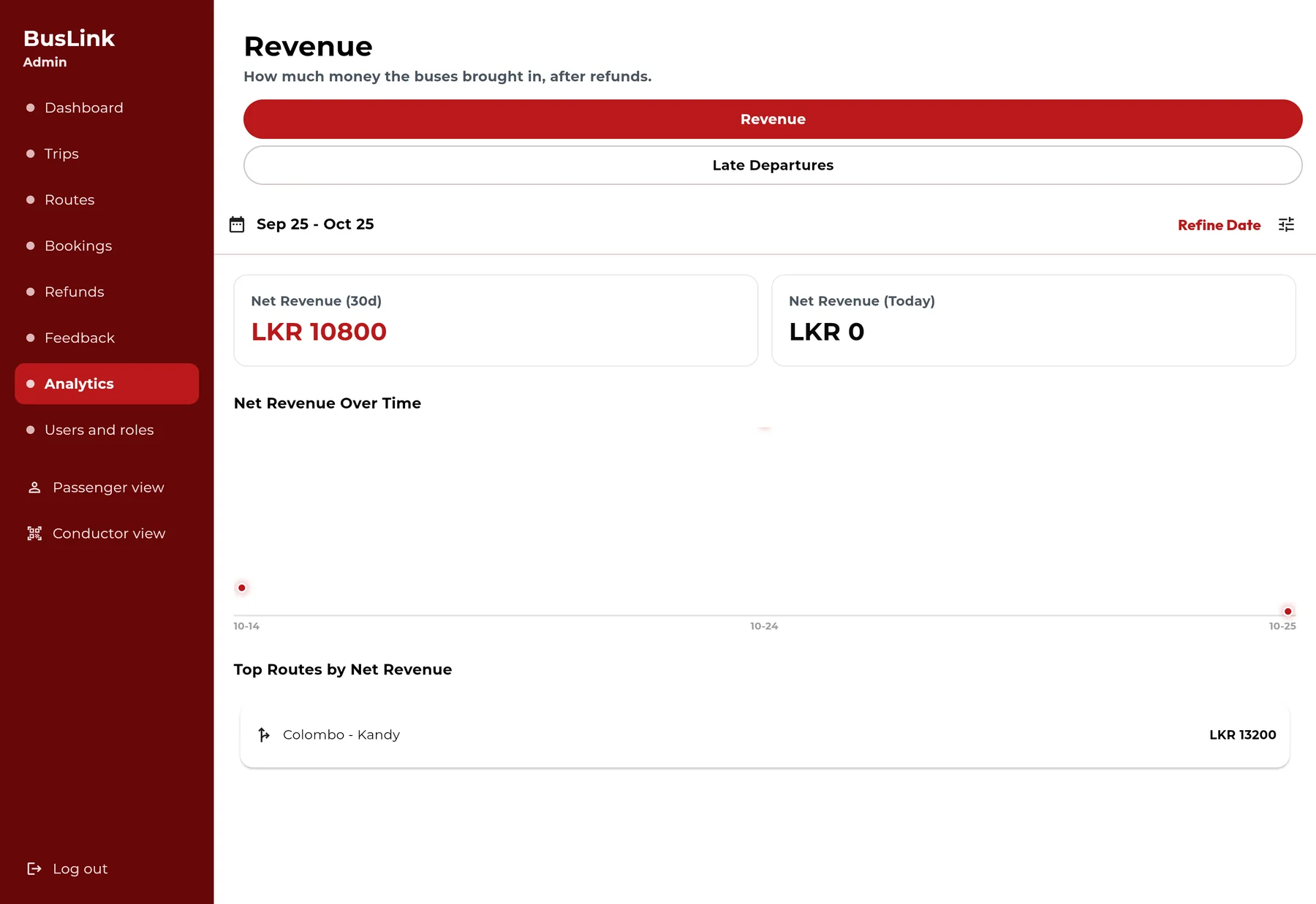
Admin analytics
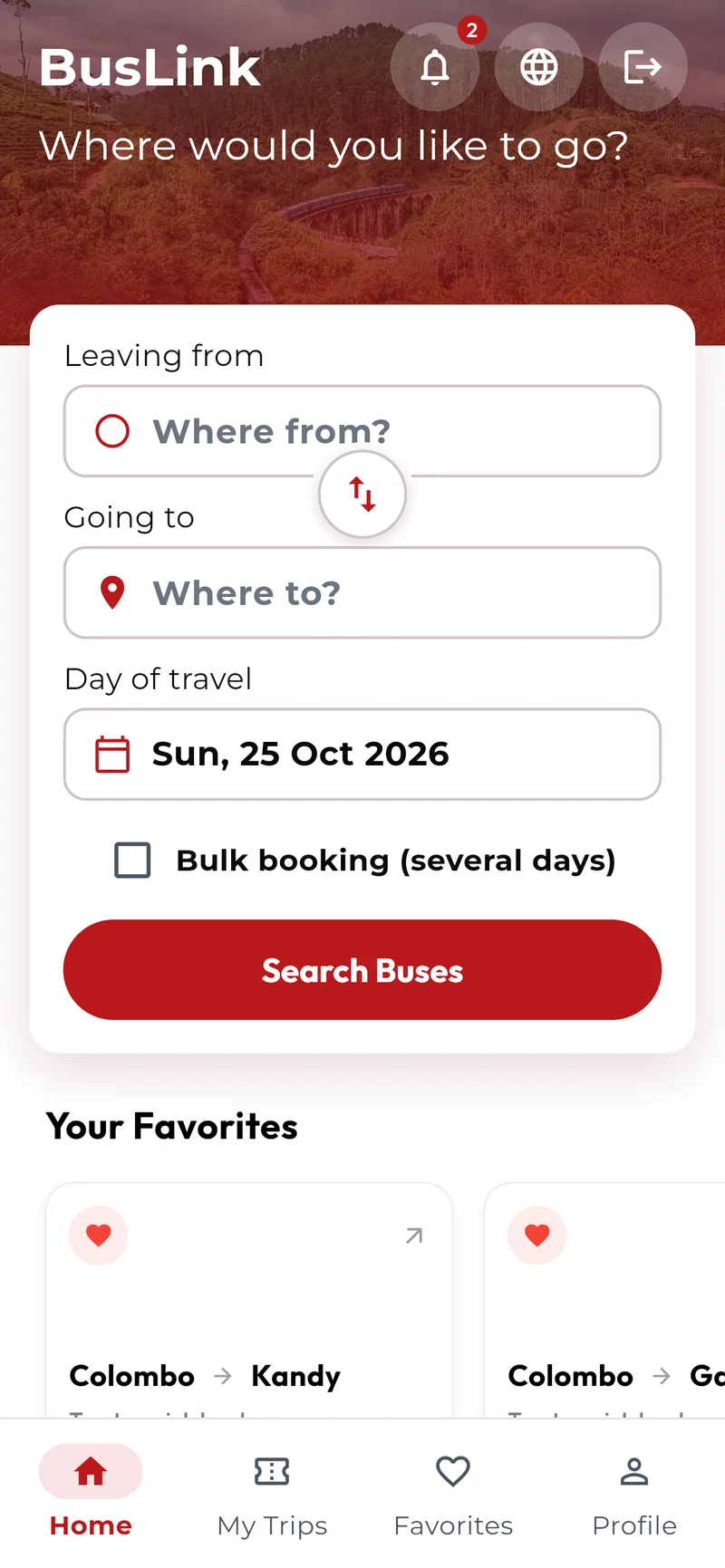
Find a bus 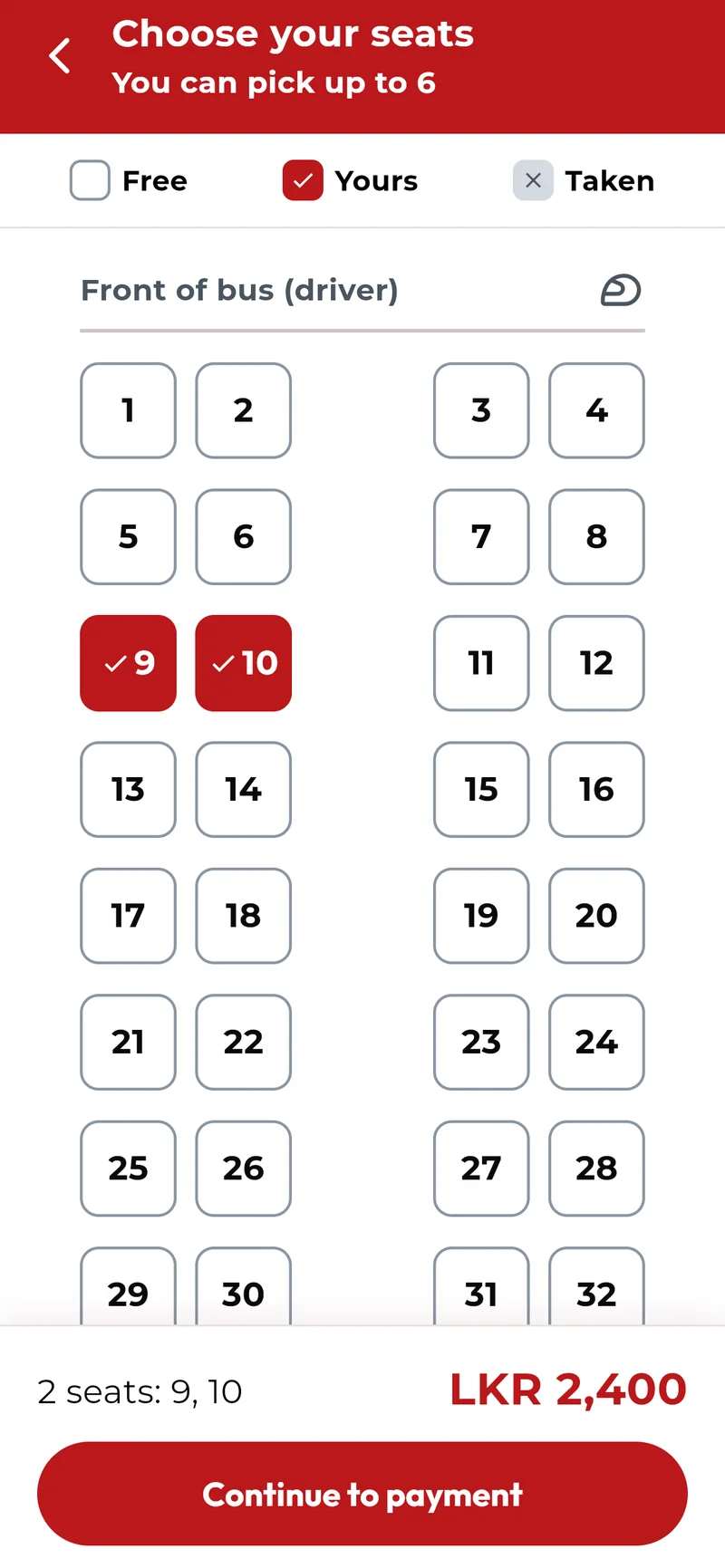
Pick your seats 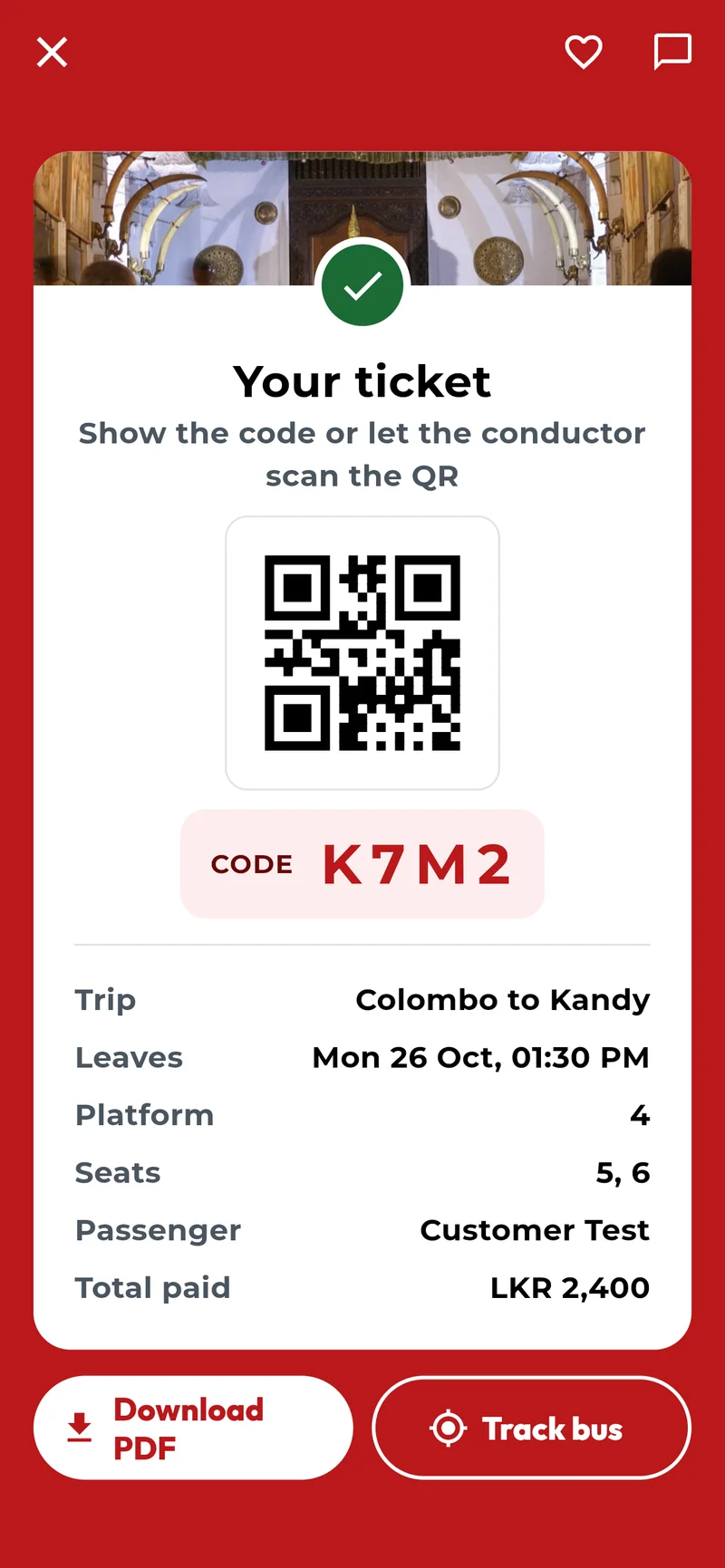
Your ticket 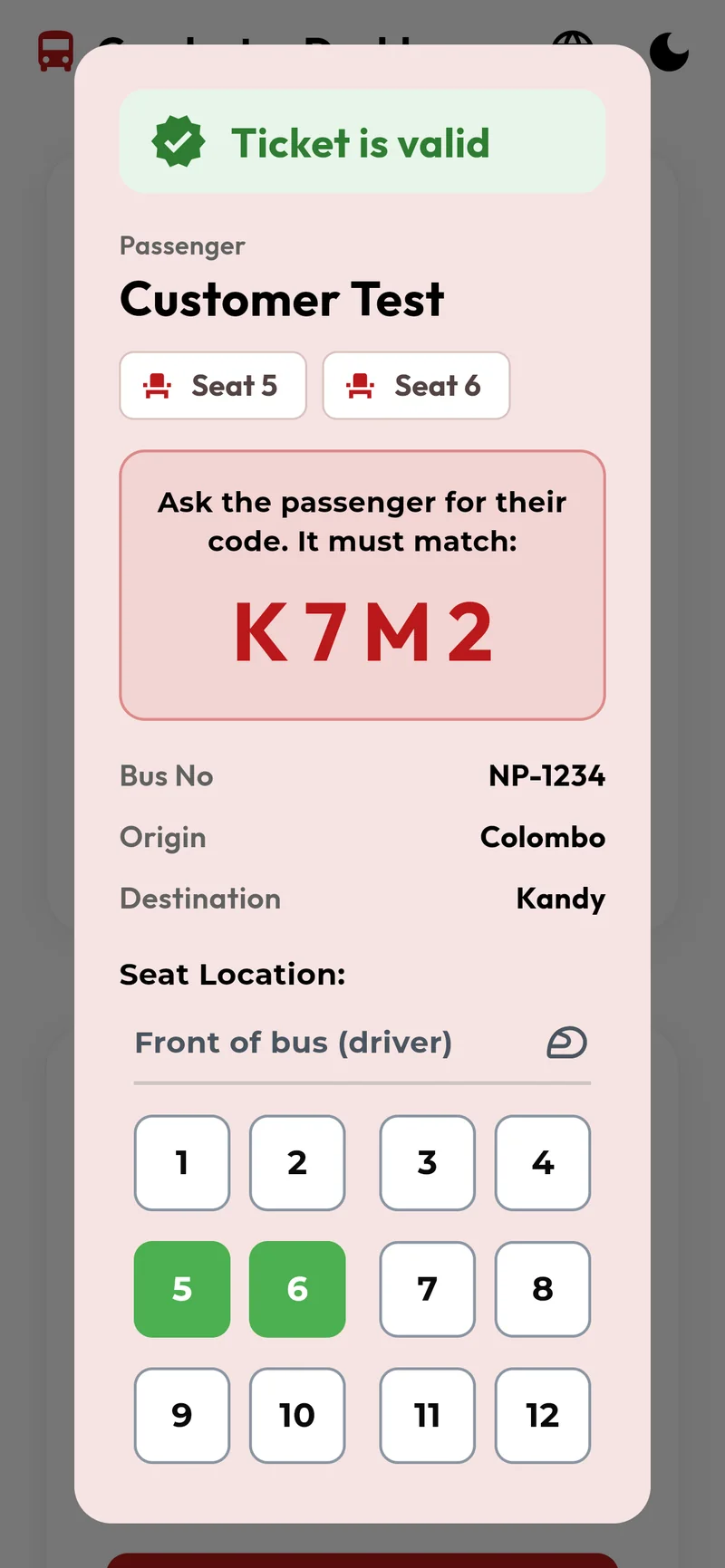
Verified at boarding
How it works
One trip, from search to boarding.
- 1Pick a tripSearch in the Flutter appRoute, date and bus.Reads trips from Firestore.
- 2Choose seatsSeat mapOn a live seat map.Updates in real time.
- 3Pay by cardStripeHandled by a payments company.Server functions create the charge.
- 4Keep your ticketQR ticketA QR code on your phone.Stored with the booking.
- 5Board onceScan checkThe conductor scans it.Single use; a second scan is refused.
What it is built with
The tools I chose, and the simple reason for each.The stack and why each piece earned its place.
-


Flutter + Firebase
One codebase for phones and the web, with sign-in, database and push alerts included.
-

Stripe
Card payments and refunds without touching card numbers.
-

Vercel
Hosts the web app and the two small payment functions.
What I did
- Designed the three experiences: passenger, conductor, admin.
- Built the app, the booking flow and the payments.
- Added three languages and accessible status labels.
- Wrote the plain-words documentation.
By the numbers
- 3kinds of user
- 3languages
- 1scan per ticket, ever
- 26documented screens
Read the docs
Every project has written documentation in plain words. Start at the top and go as deep as you like.
Try it
The demo runs in your browser. Payments use Stripe test mode, so no real money moves.