
- Who it is for
- Anyone who collects games
- What it is
- An app for web and phone
- My part
- Design, build and documentation
- Built with
- Flutter · Supabase
Read it your way
Showing the plain-words view, written so anyone can follow it. Switch to see the technical detail.
Showing the engineering view: names of tools, how the pieces talk and why they were chosen.
Why it exists
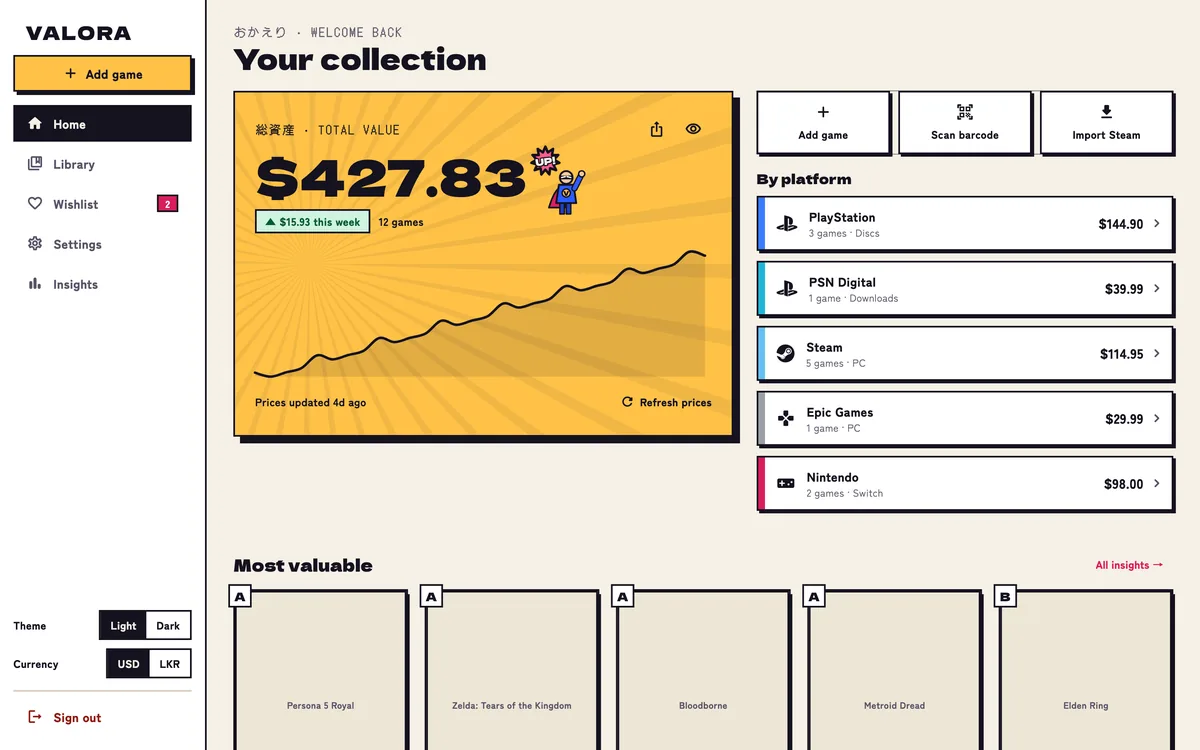
Collectors have no idea what their shelf is worth, and prices keep moving. Add the games you own and Valora looks up what each sells for today, keeps the price with its date and adds the whole shelf up. When a game has no price it shows a dash, never a made-up number.
What it does
- 01
A home for your total
The total value, how it moved this week and each platform's share.
Aggregates per platform from dated price rows.
- 02
Your library
Every game you own. Search, filter by platform and sort.
Library with search, filters and grid or list view.
- 03
Price history
A chart of each game's value, and a price for each condition.
Daily price snapshots stored with their date.
- 04
Wishlist alerts
Set a target price and see a tag when a game reaches it.
A daily job marks wishlist rows that hit their target.
- 05
Add games fast
Import a whole Steam library, or scan a barcode.
Steam ID import and a barcode lookup through Edge Functions.
- 06
Share a snapshot
A picture of your ten most valuable games, made on your phone.
Rendered on device; the web shares text.
See it
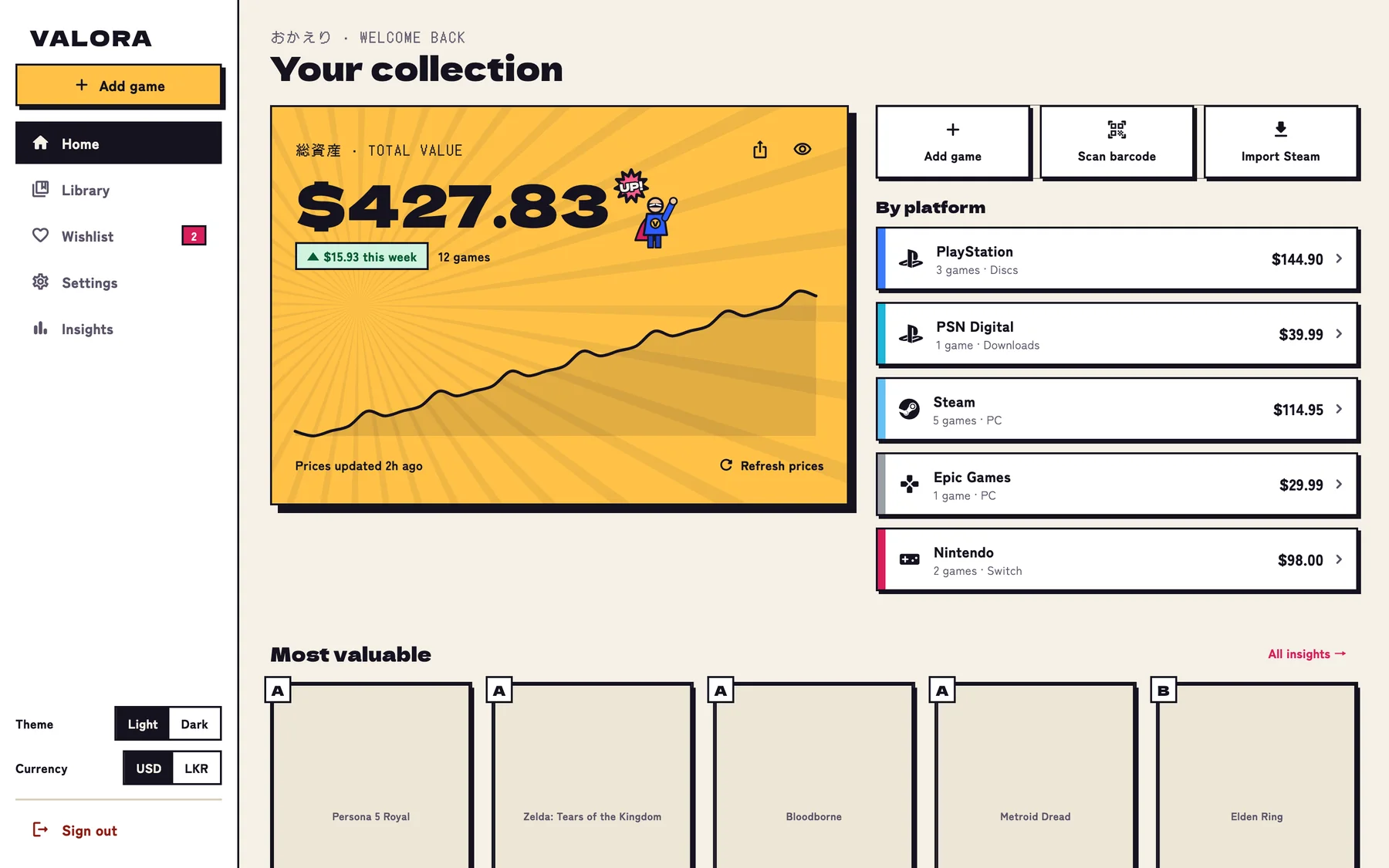
Home 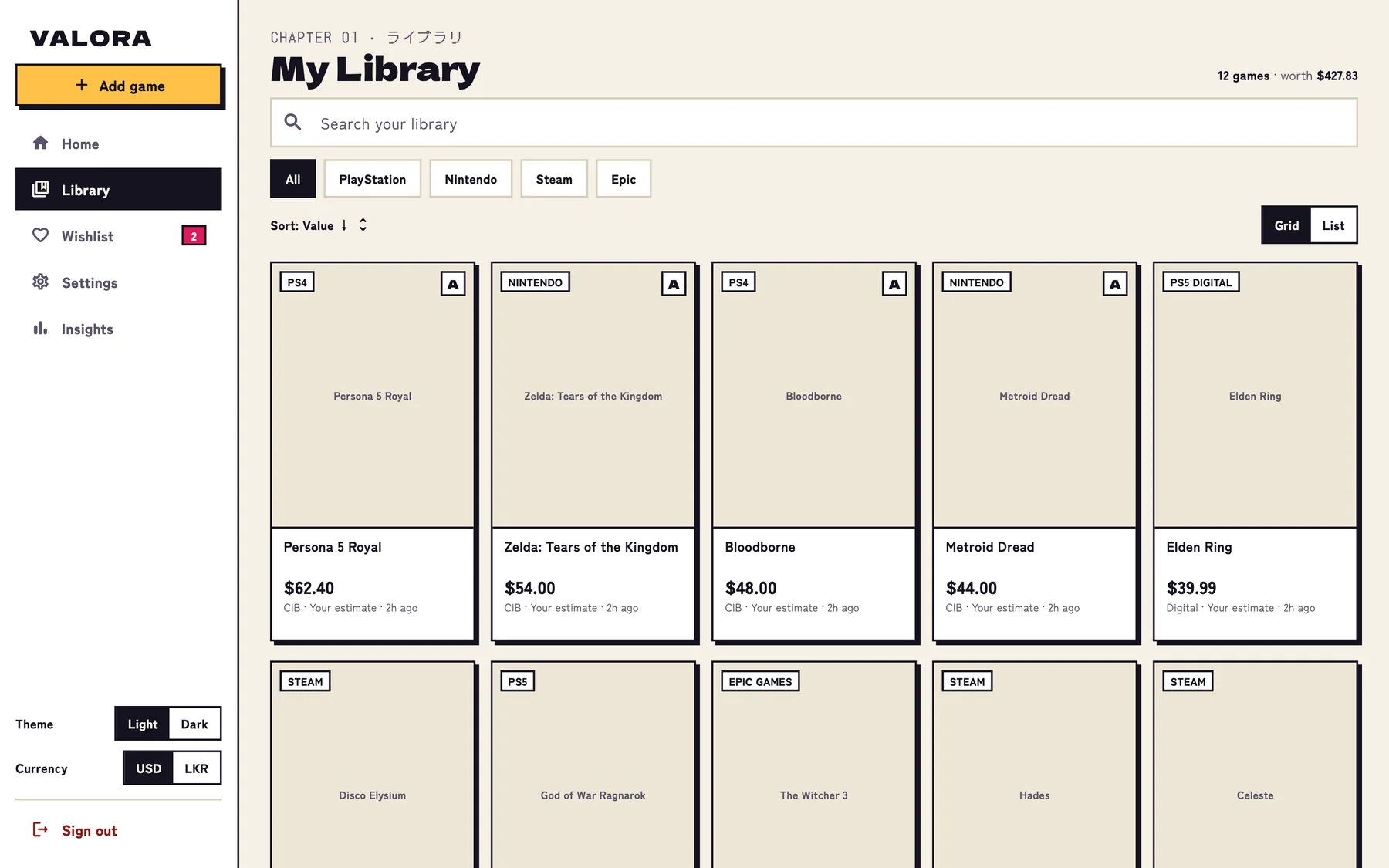
Library 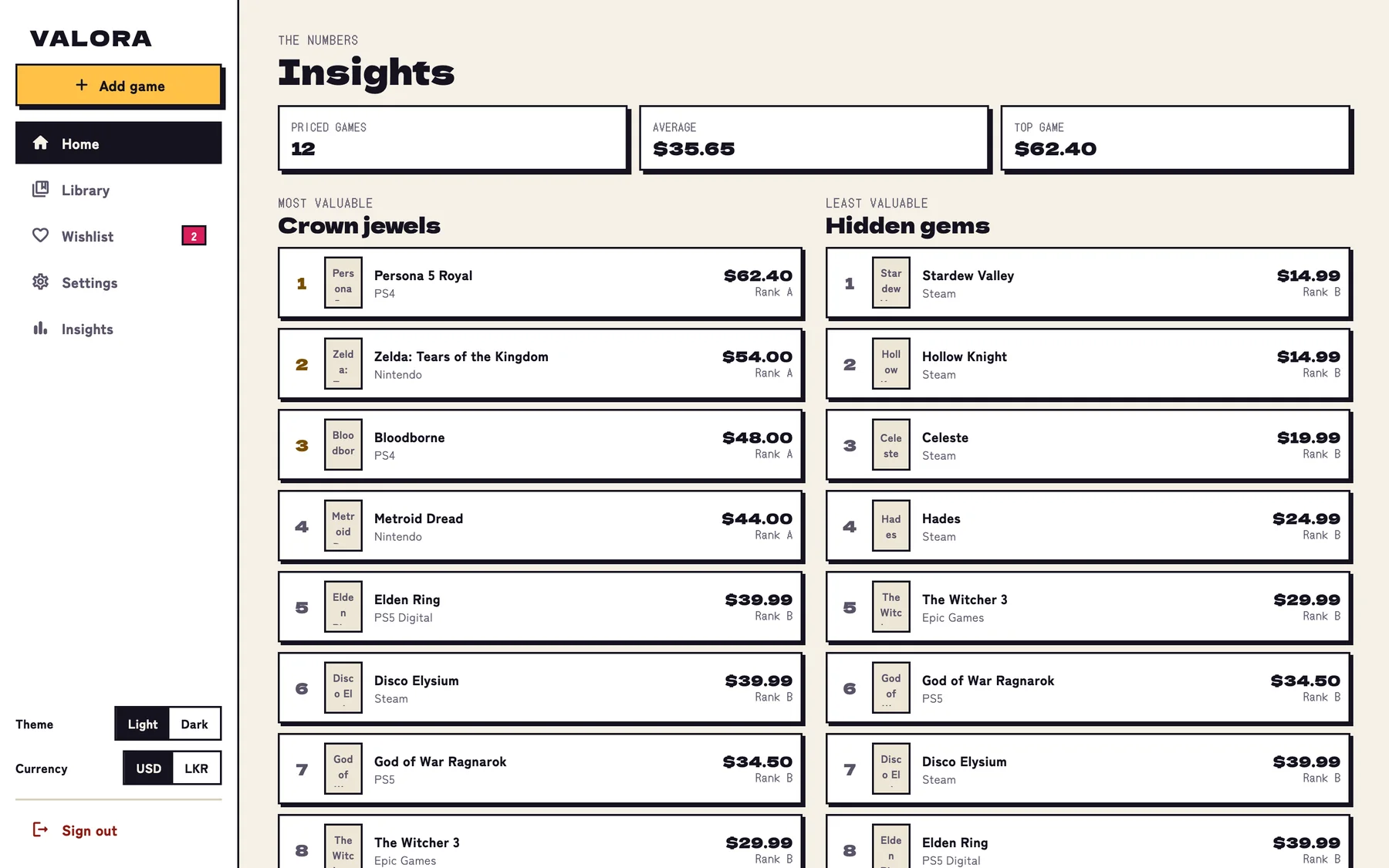
Insights 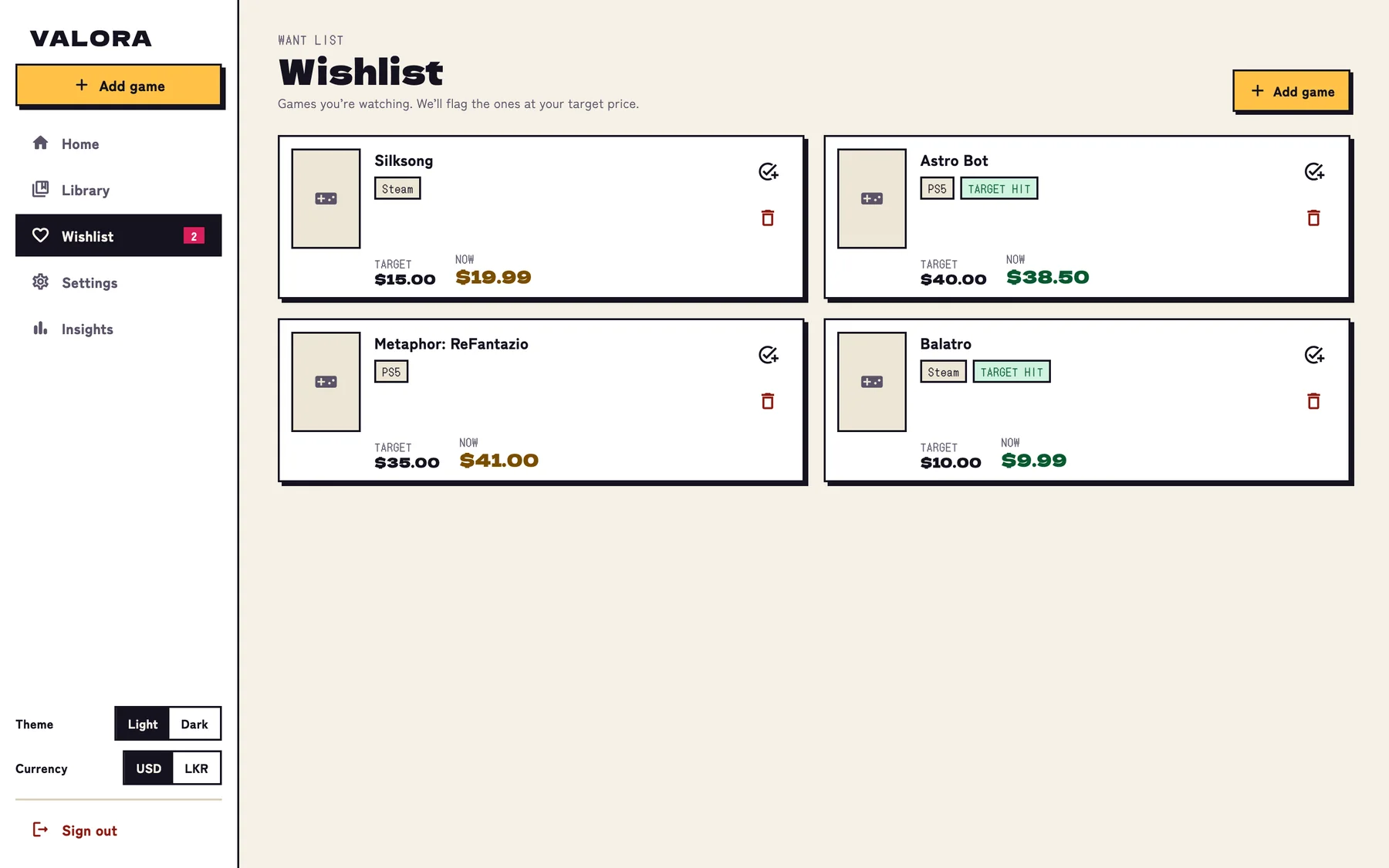
Wishlist
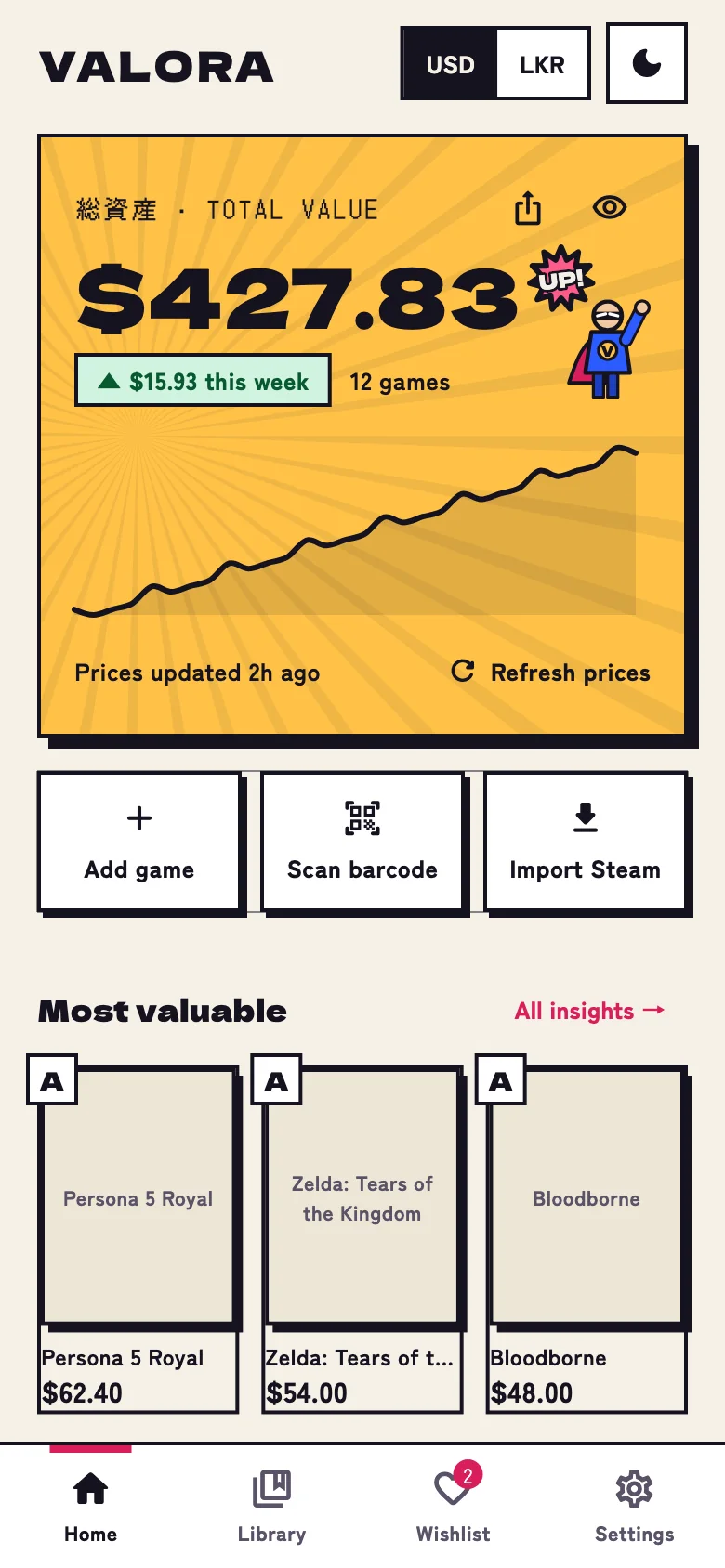
Home on a phone 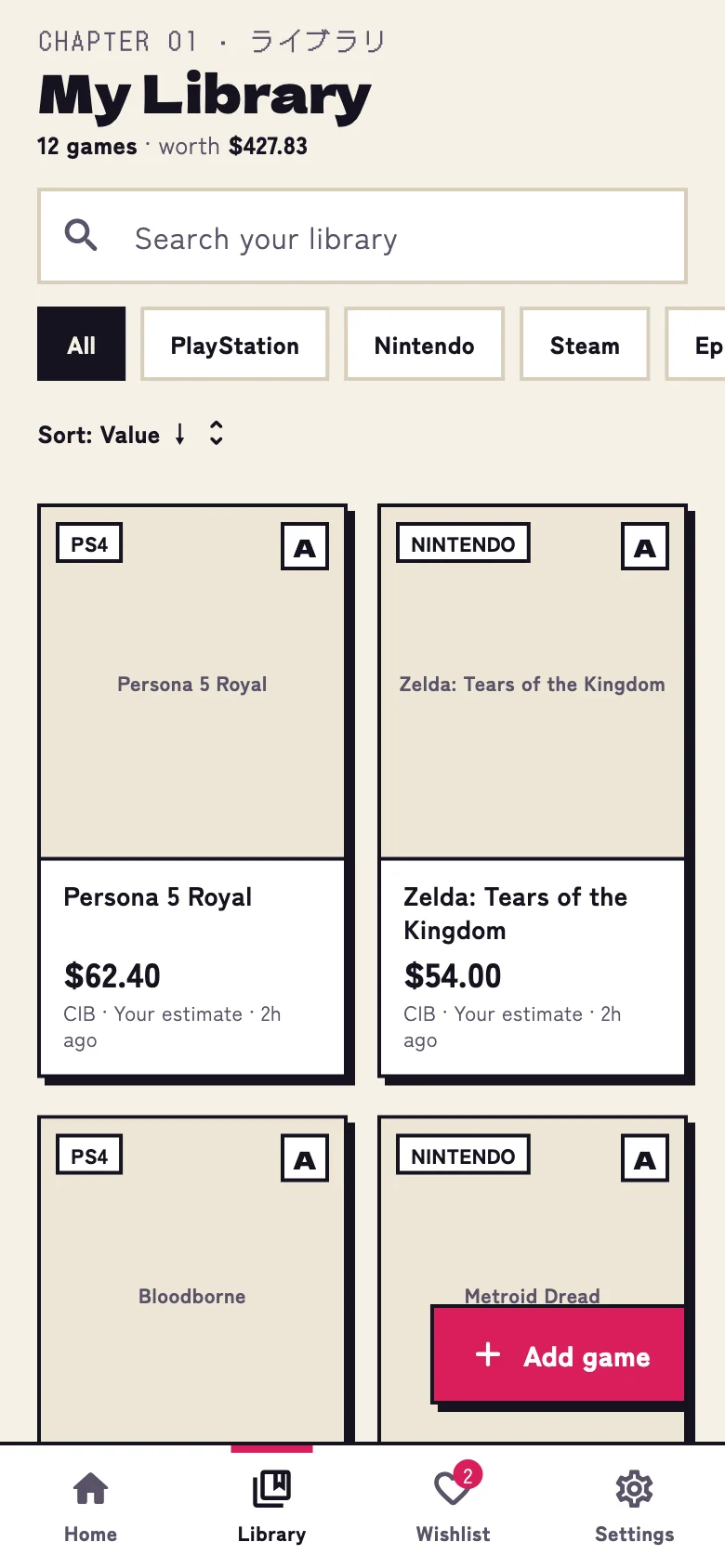
Library on a phone 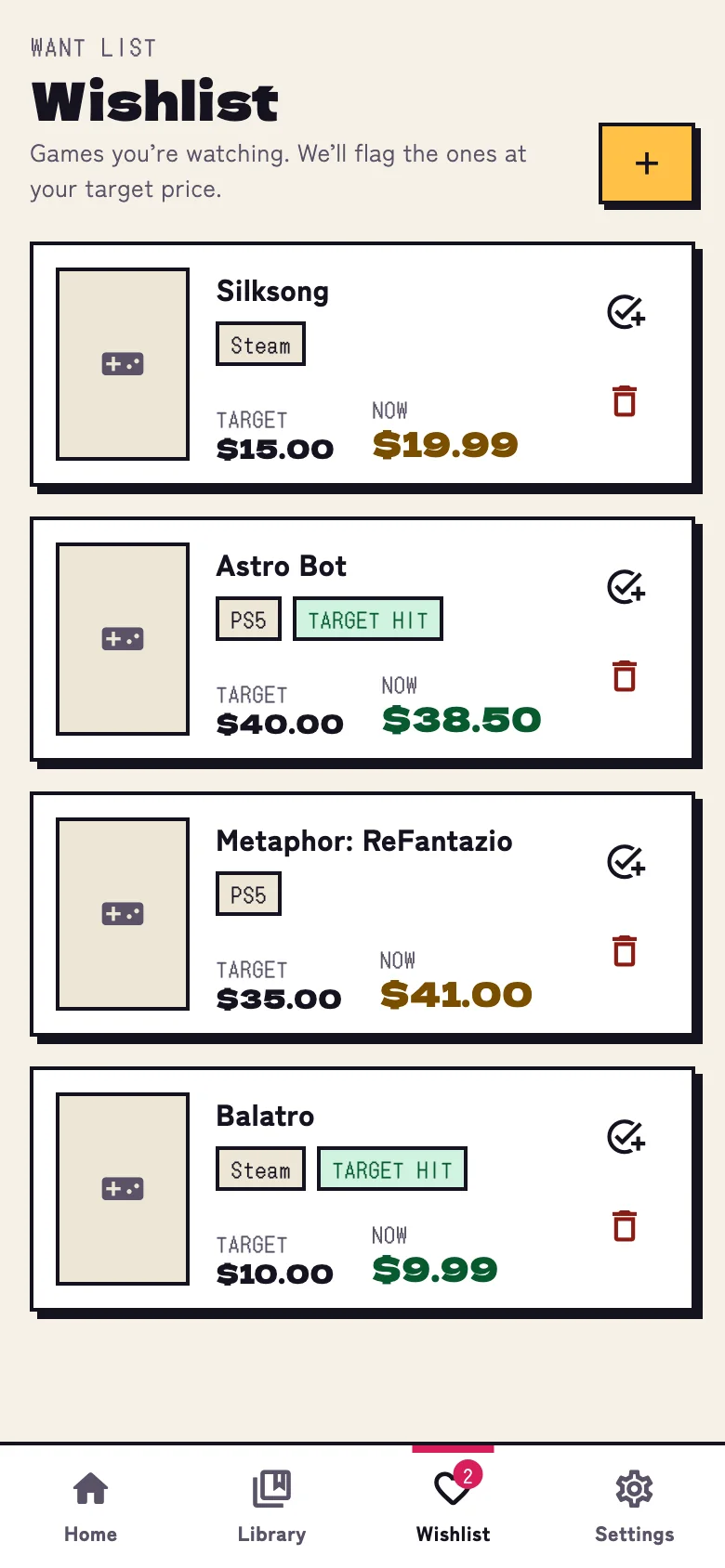
Wishlist on a phone
How it works
You add a game, and Valora does the rest.
- 1You add a gameFlutter appBy title, barcode or Steam.Web and phone from one codebase.
- 2It is saved safelySupabase with row securityIn a locked database.Each person sees only their own rows.
- 3The price is looked upEdge FunctionsFrom public sources.PriceCharting, Steam, CheapShark, UPCitemdb.
- 4The price is saved with its datePrice snapshotsSo you can see the history.Dated rows per game.
- 5Your total updatesAggregatesGames with no price are left out.Never an invented number.
What it is built with
The tools I chose, and the simple reason for each.The stack and why each piece earned its place.
-

Flutter
One codebase for the website and the phone app.
-

Supabase
A locked database, sign-in and server functions in one place.
-

Vercel
Hosts the live website; a build also publishes an Android APK.
What I did
- Designed the Midnight Manga look and every screen.
- Built the app, the price lookups and the wishlist job.
- Added Steam import and the barcode scanner.
- Wrote the plain-words documentation.
By the numbers
- 4price sources
- 2currencies, USD and LKR
- 0made-up prices
- 2ways to run it, web and phone
Read the docs
Every project has written documentation in plain words. Start at the top and go as deep as you like.
Try it
Open the live site and sign in. The pictures above show the app with made-up demo games.