
LuxWatch
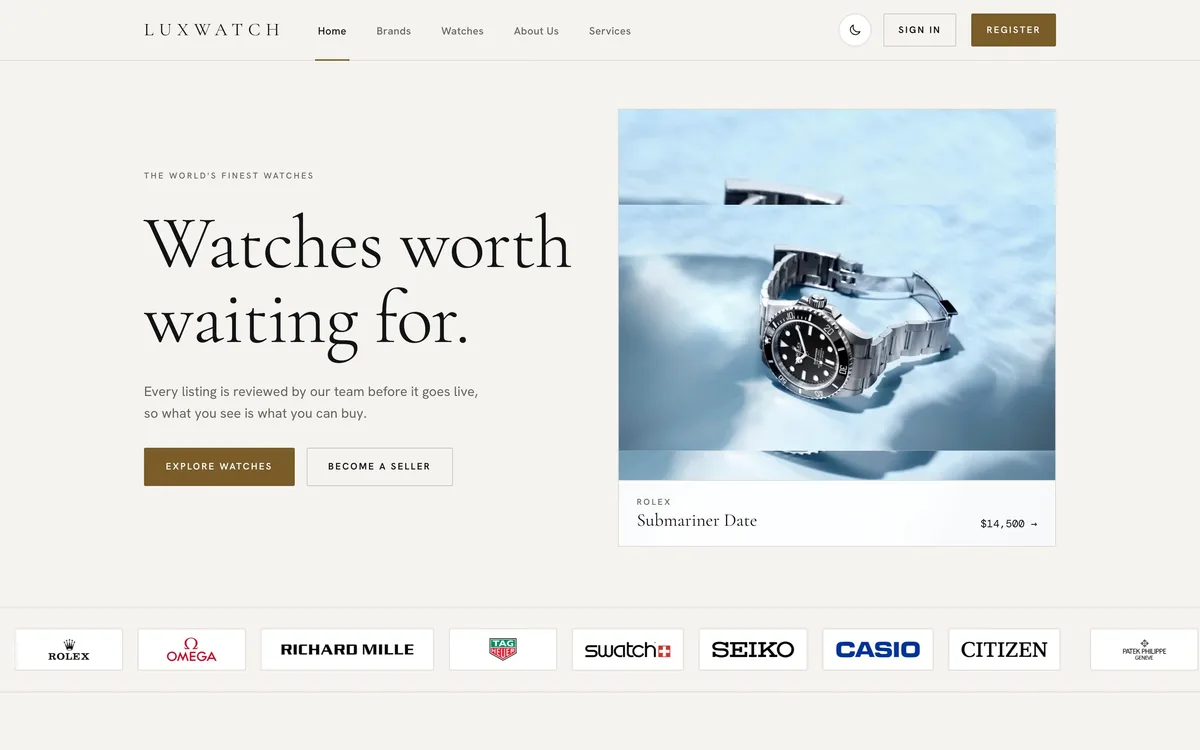
A watch shop where a person checks every listing before you can see it.
- Who it is for
- Buyers, sellers and one admin
- What it is
- A website and a phone app, one shop
- My part
- Design, build and launch, all of it
- Built with
- Laravel · Flutter · Postgres
Read it your way
Showing the plain-words view, written so anyone can follow it. Switch to see the technical detail.
Showing the engineering view: names of tools, how the pieces talk and why they were chosen.
Why it exists
Online marketplaces for expensive things have a trust problem: anyone can list anything. LUXWATCH is my answer. Sellers list their watches, an admin approves each one, and only then does it appear in the shop. I built the whole thing, from the first page to the seller payout, to show how a careful store fits together.
What it does
- 01
Find a watch
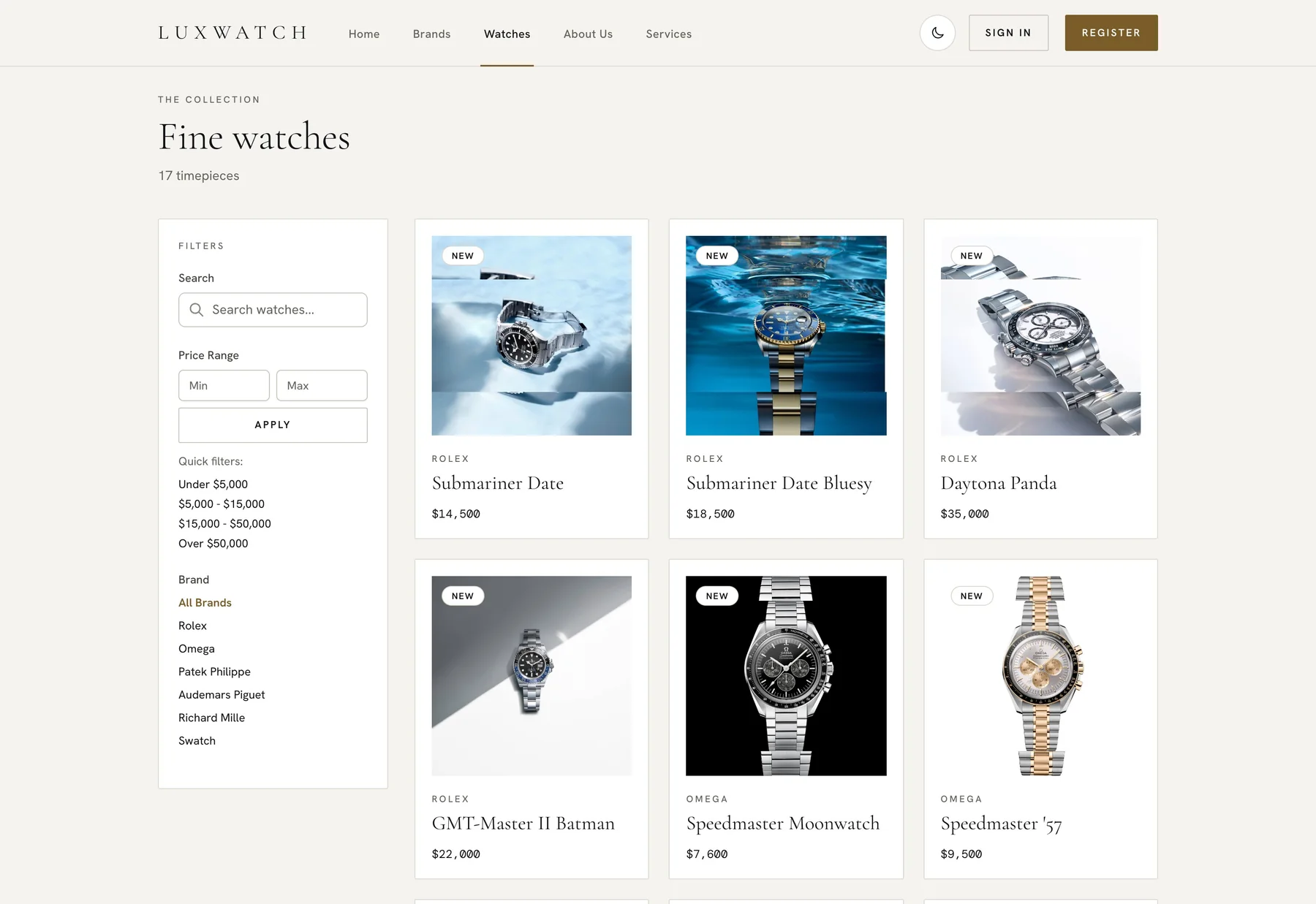
Browse by brand, search by name and filter by price. Photos always fit, on any screen.
Livewire search and filters over a Laravel 12 catalogue, with responsive image sizes.
- 02
Turn it in your hands
Drag a watch round with your finger, the way the big brand sites do.
360° viewer driven by a frame list that the API returns for each watch.
- 03
Three kinds of people
Customers buy, sellers list their own watches, admins keep it all honest.
Role-based access: customer, seller and admin, enforced by policies on every route.
- 04
Approval first
New watches and new brands stay hidden until an admin says yes.
A status on every listing; public queries are scoped to approved rows only.
- 05
Pay and get paid
Checkout is handled by a payments company, and sellers are paid when they sell.
Stripe Checkout with tax, plus Stripe Connect transfers to sellers. Test mode only.
- 06
One shop, two screens
The same shop works on a website and in a phone app.
Token-based REST API used by the Flutter app after Firebase sign-in.
See it
The collection 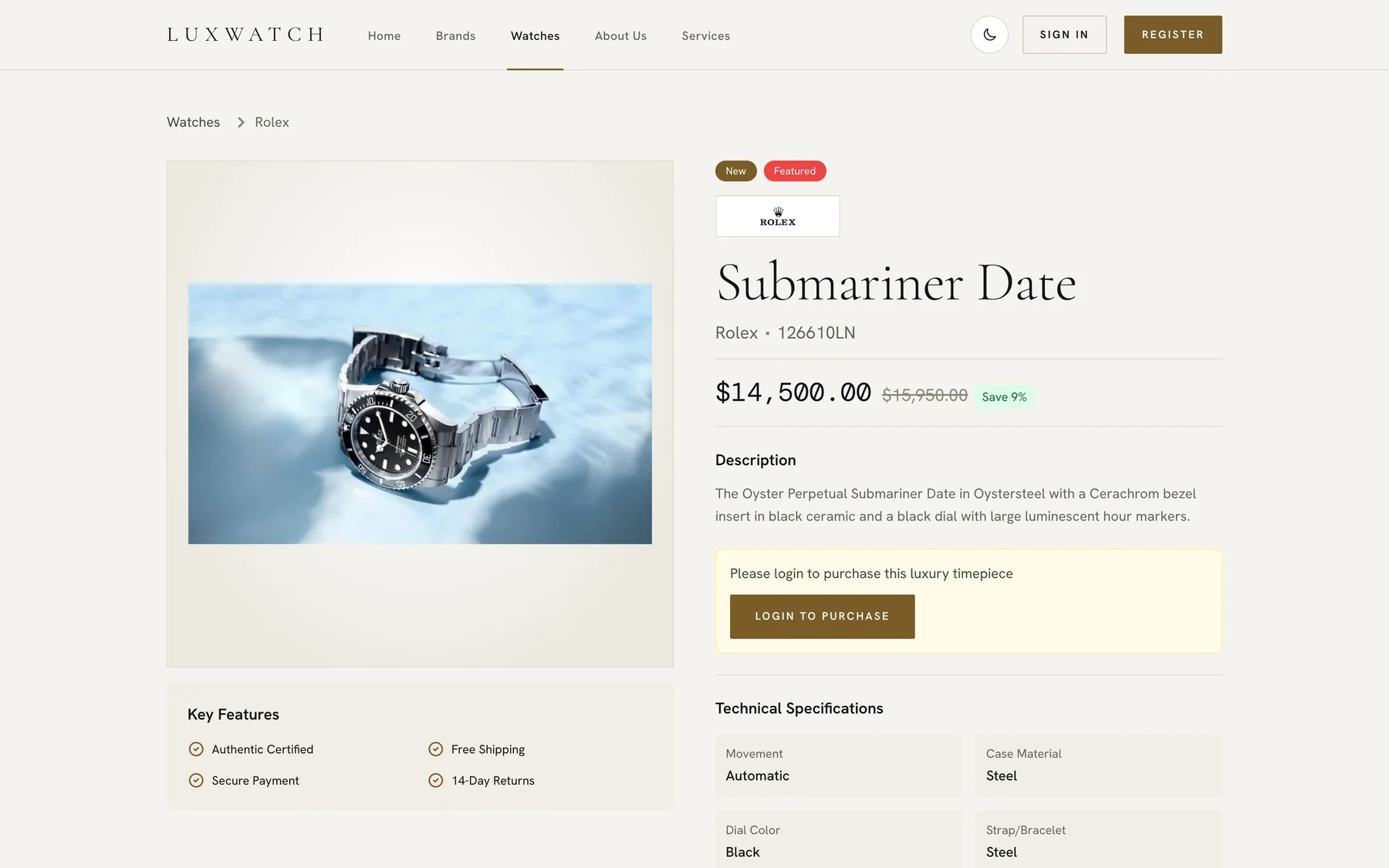
A watch up close 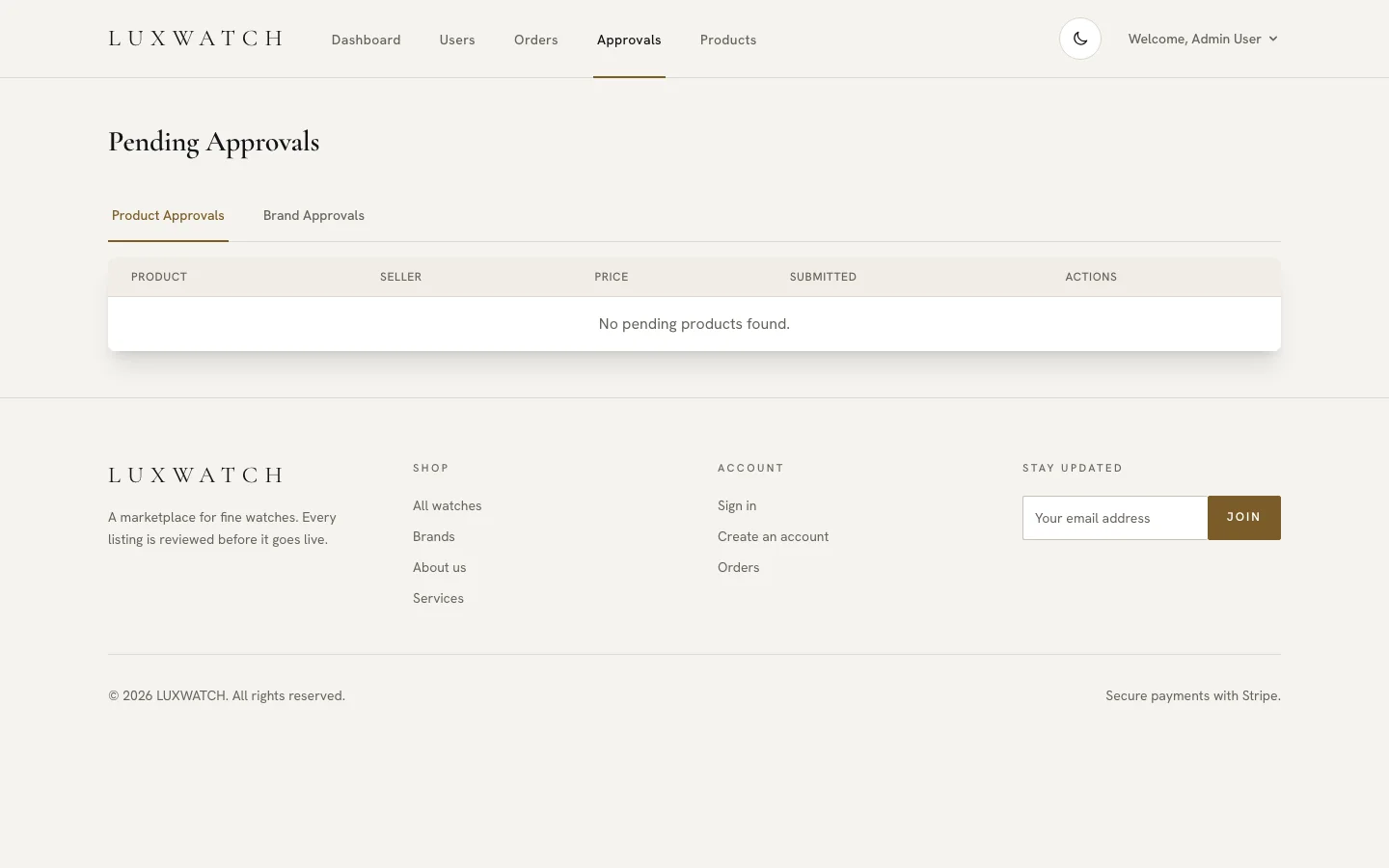
Admin approvals 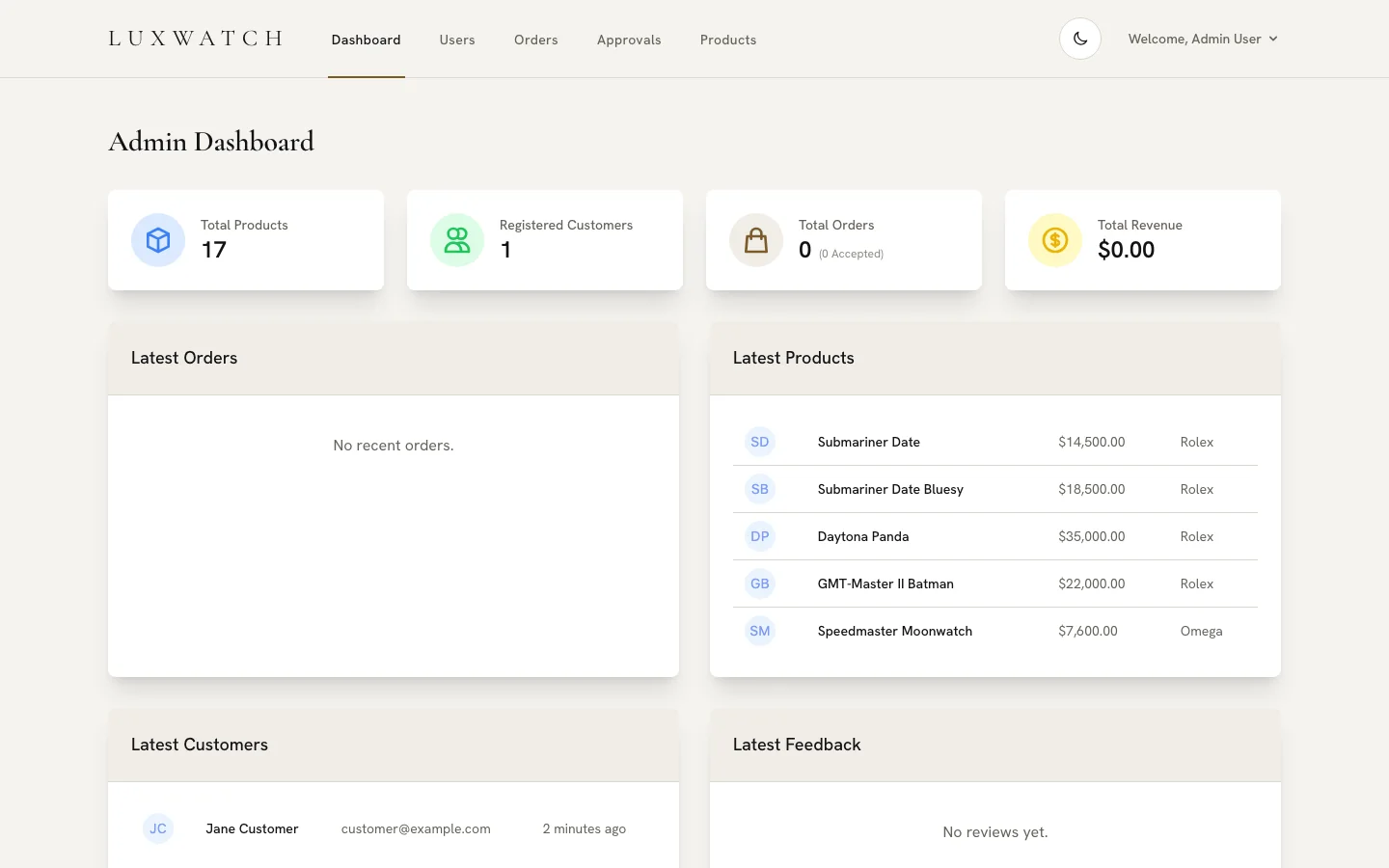
Admin overview
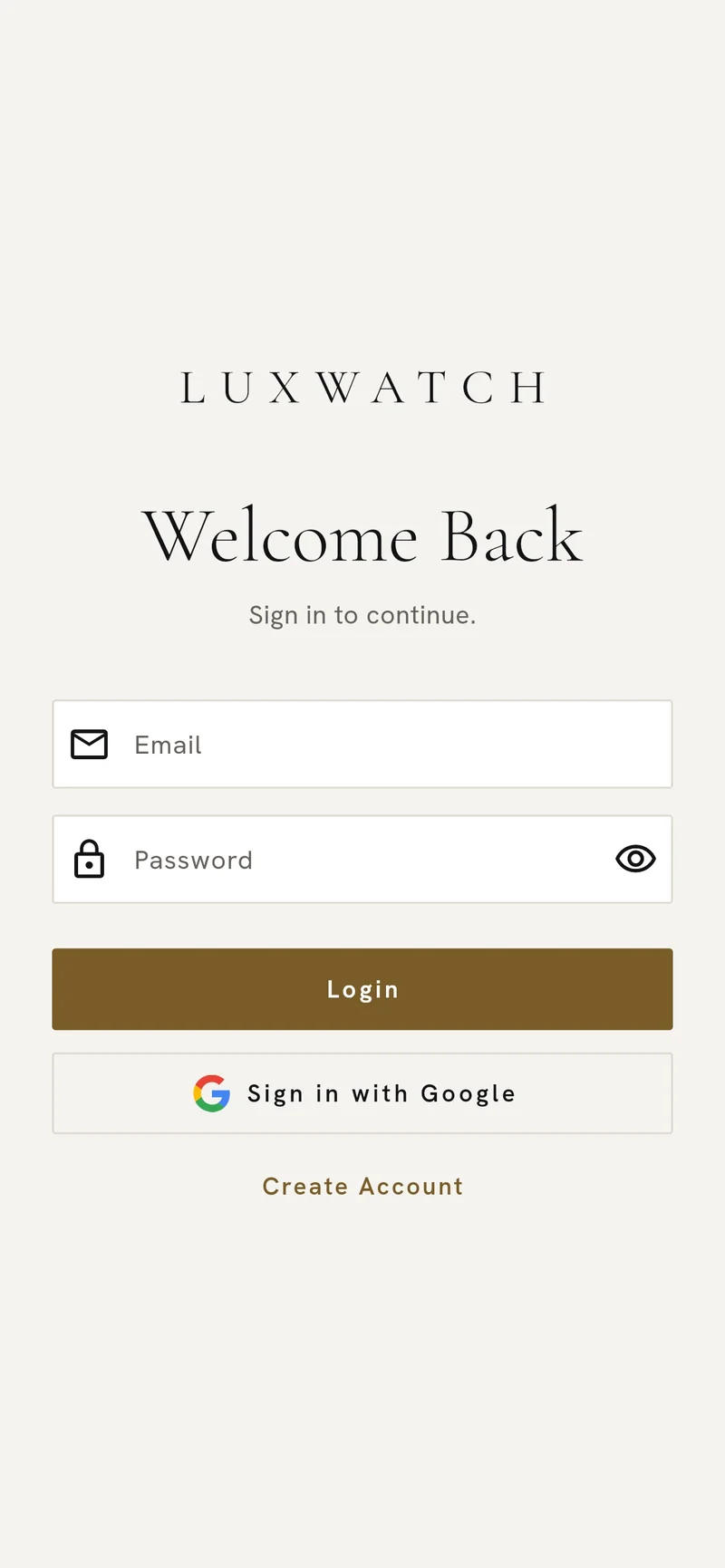
App: sign in 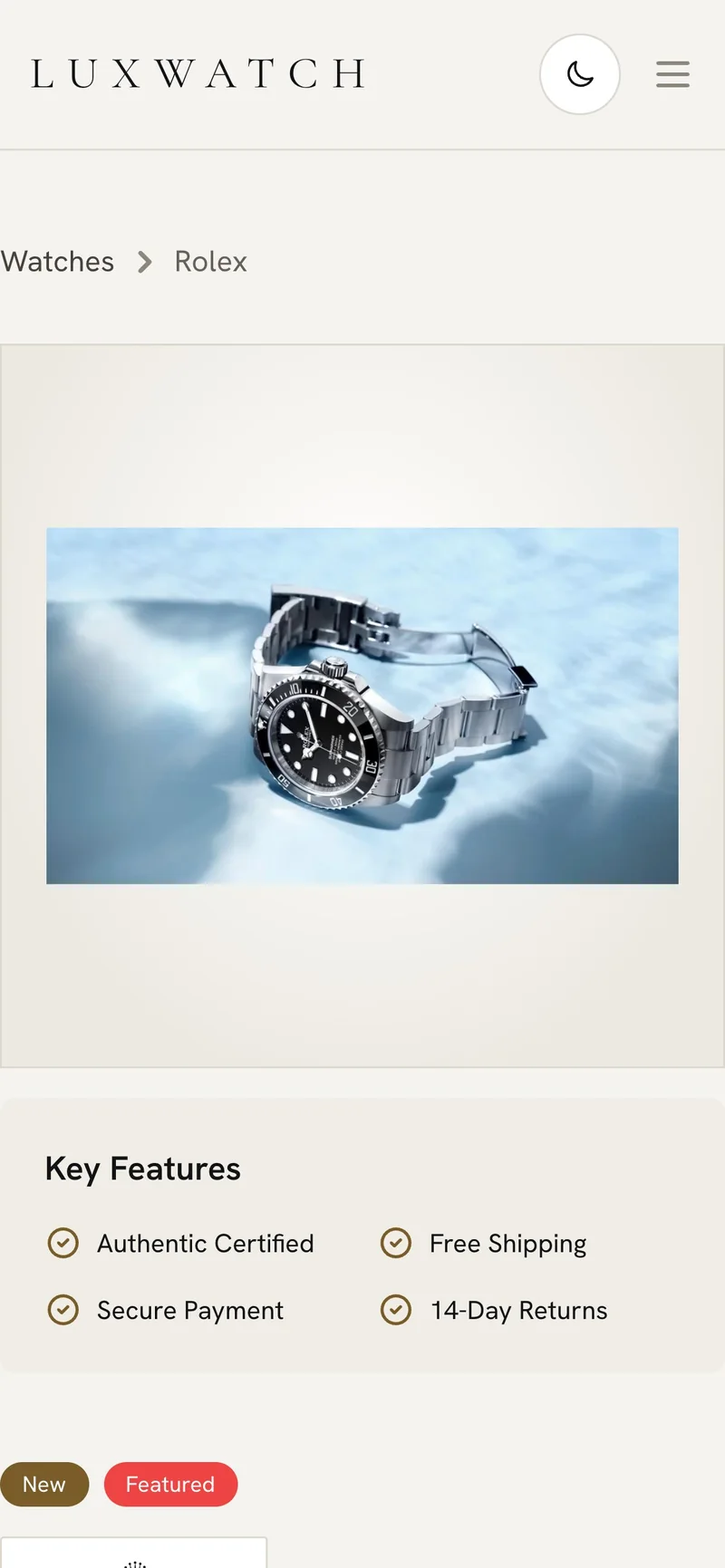
Site on a phone
How it works
From a tap to a watch on your screen, in five steps.
- 1You open a pageBrowser or Flutter appIn a browser, or in the phone app.Same API either way.
- 2Photos arrive at onceVercel serves assetsPictures and styles load instantly from nearby.Static files from the edge.
- 3The shop builds your pageLaravel 12 renders itIt puts the page together just for you.Livewire page, or JSON for the app.
- 4It looks up the watchesNeon PostgresPrices, photos and stock come from the database.MySQL on a normal server.
- 5Payment goes to a specialistStripe Checkout + ConnectCard details never touch my shop.Webhooks confirm each order.
What it is built with
The tools I chose, and the simple reason for each.The stack and why each piece earned its place.
-

Laravel 12
A mature framework that already handles sign-in, security and tests.
-

Livewire
Interactive pages without building a second front-end app.
-

Postgres on Neon
A serverless database that suits free hosting and scales later.
-

Stripe
Payments are a job for specialists, so I never touch card numbers.
-


Flutter + Firebase
One codebase for phone and web, and sign-in I do not have to build.
-

Vercel
Every push deploys itself, so the demo is always current.
What I did
- Designed the screens and the look of the brand.
- Built the marketplace, the admin and the REST API.
- Built the Flutter shopper app that uses that API.
- Wrote the plain-words documentation and the demo data.
By the numbers
- 3kinds of user
- 10brand logos
- 2apps, one API
- 0real money moved (demo)
Read the docs
Every project has written documentation in plain words. Start at the top and go as deep as you like.
- README: start here
What it is, a tour of every screen and how to try it. About five minutes.
Anyone - How everything fits
One watch, from a seller listing it to a customer receiving it.
Anyone - The phone app
How the Flutter app signs in and talks to the shop.
Curious - API reference
Every endpoint, with examples.
Developers
See it for yourself
It is a demo: browse, search and open a watch. Nothing is sold and no real money moves.