
Media Server Setup
One page in your browser that installs a complete home media server, comics and manga included, and connects every part of it for you.
- Who it is for
- Anyone who wants a home media server
- What it is
- An installer with a step-by-step browser wizard
- My part
- Design, build and documentation
- Built with
- Python · Docker · Cloudflare
Read it your way
Showing the plain-words view, written so anyone can follow it. Switch to see the technical detail.
Showing the engineering view: names of tools, how the pieces talk and why they were chosen.
Why it exists
A home media server is a dozen apps that all have to be connected to each other, and that is where most people give up. This installer asks a few simple questions, installs the apps, links them together, and then tries a real search to prove that everything works. Comics and manga are optional extras, using two open-source apps I forked and improved.
What it does
- 01
One command
Start it on Windows, Mac or Linux, or paste one line on a server.
Launchers per OS plus a curl-to-bash installer.
- 02
A friendly wizard
Answer a few questions in your browser. No config files.
Local web wizard on port 7979.
- 03
Apps linked for you
Every app is connected to the others automatically.
Services configured over their APIs inside Docker.
- 04
Comics and manga
Switch on one box and your comics and manga download and file themselves, ready for your reader.
Kapowarr and Rensaiō forks, linked to Prowlarr, qBittorrent and Komga.
- 05
Proof it works
It finishes by running a real search to show the whole chain works.
End-to-end check from request through to download.
- 06
A demo to click through
Try the whole wizard on the website first.
Static demo hosted on Cloudflare.
See it
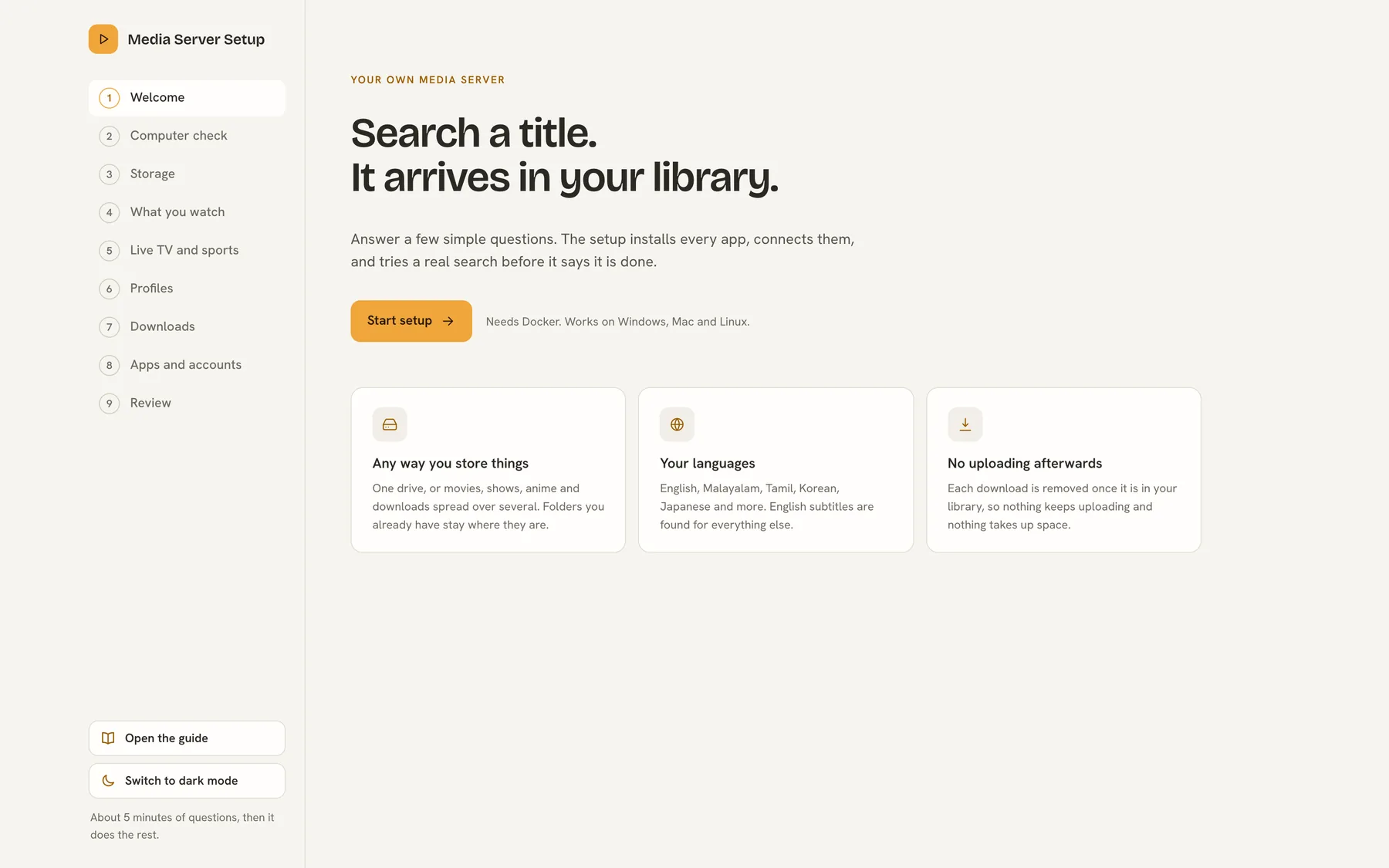
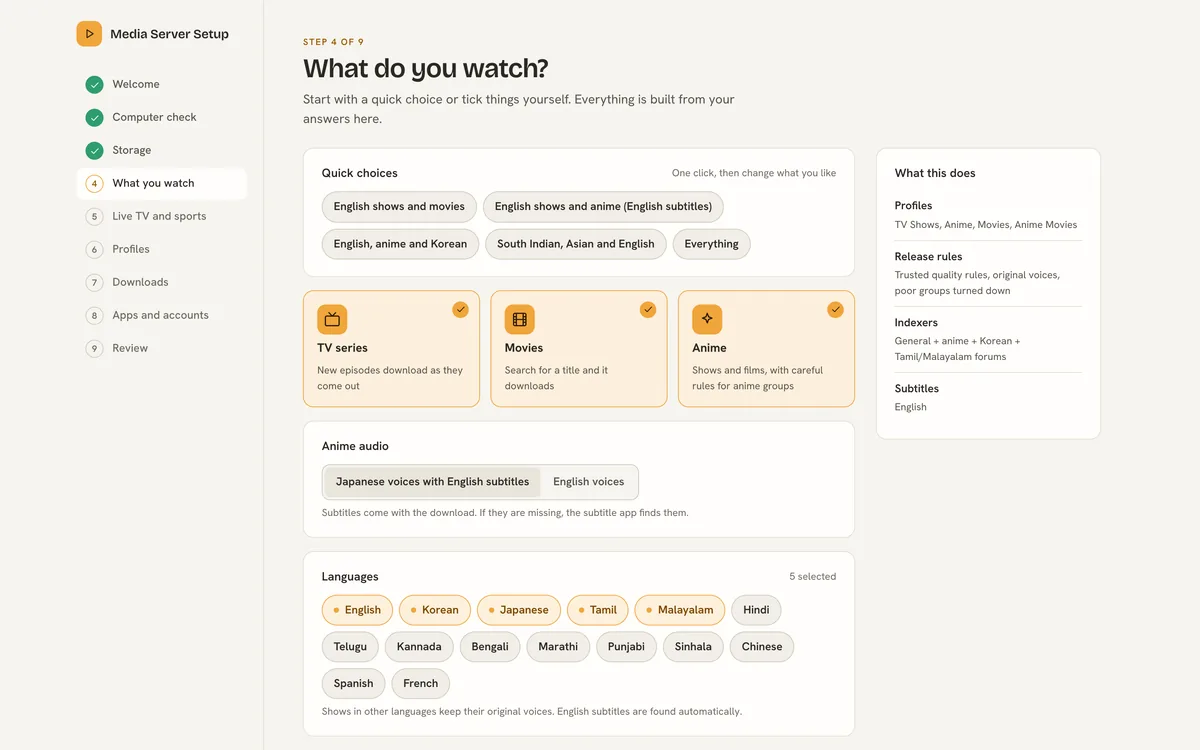
Welcome 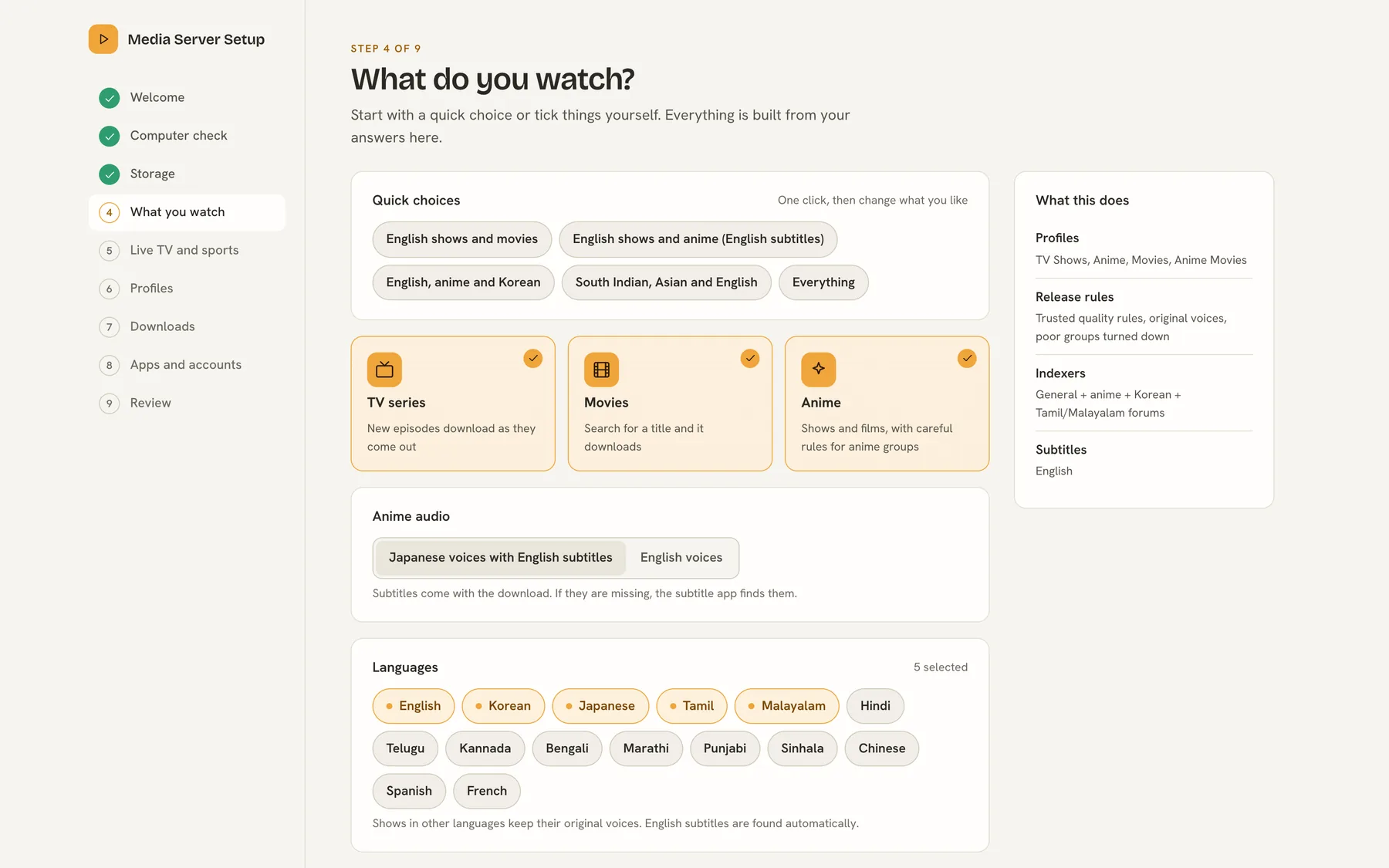
What you watch 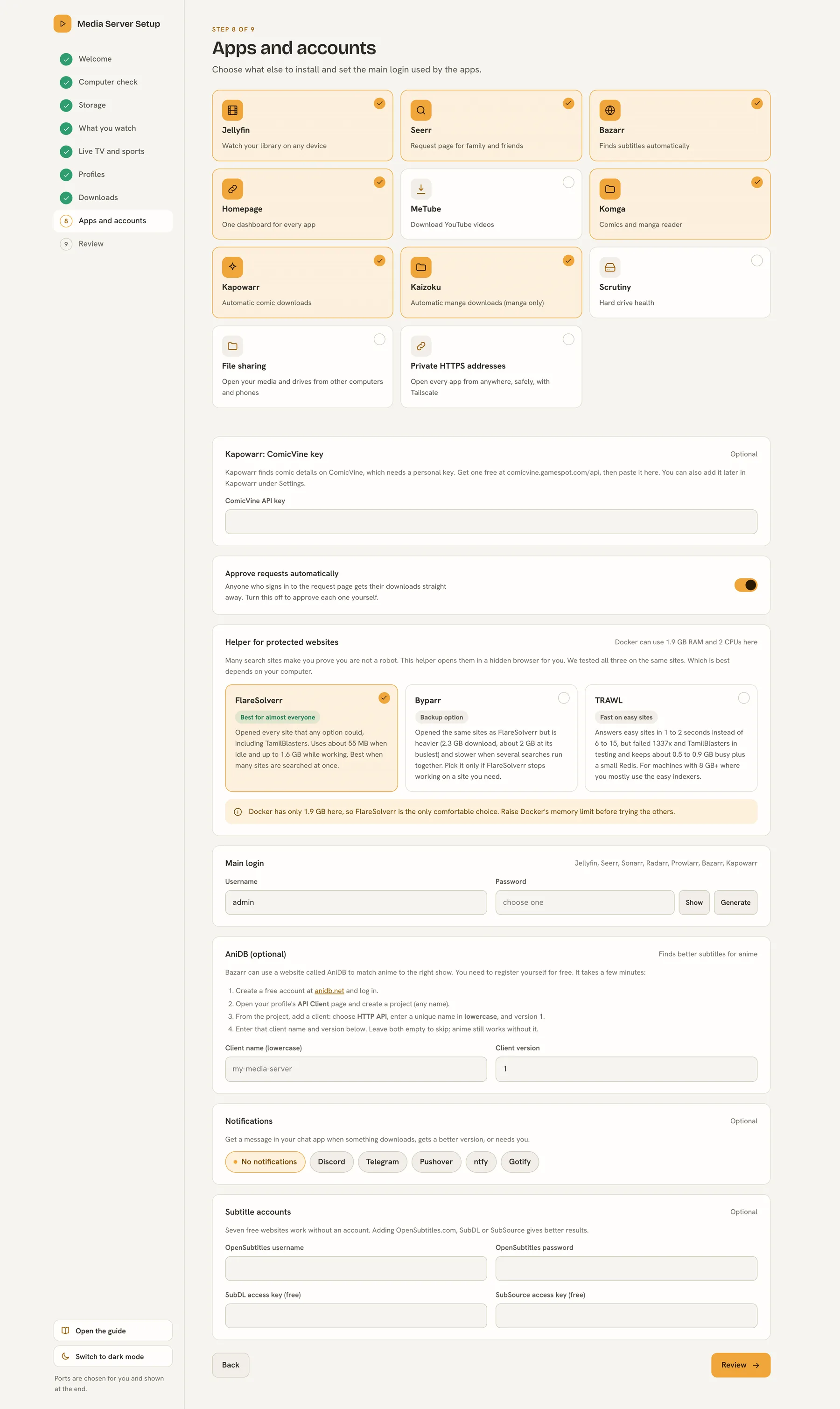
Choose your apps 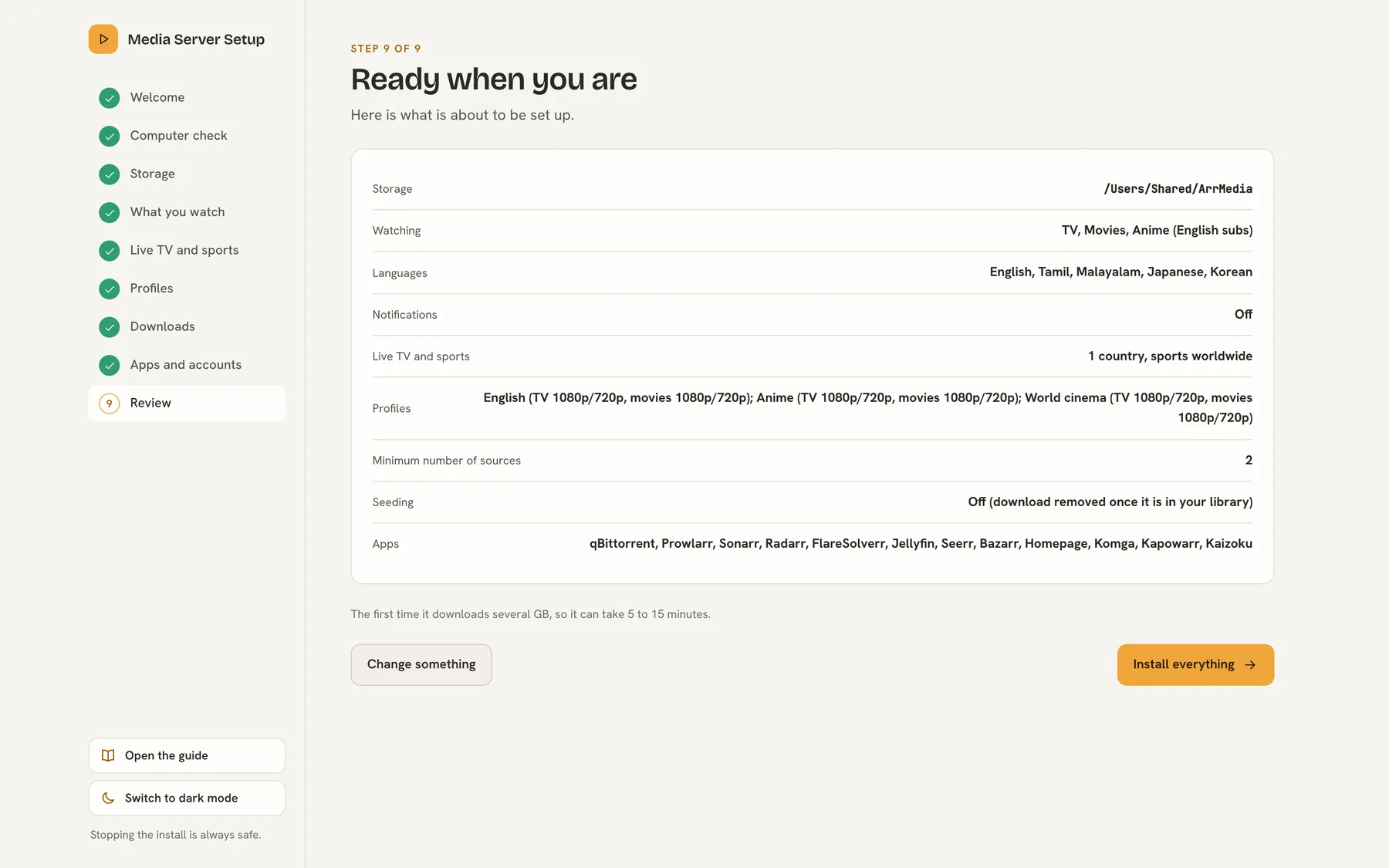
Review and install 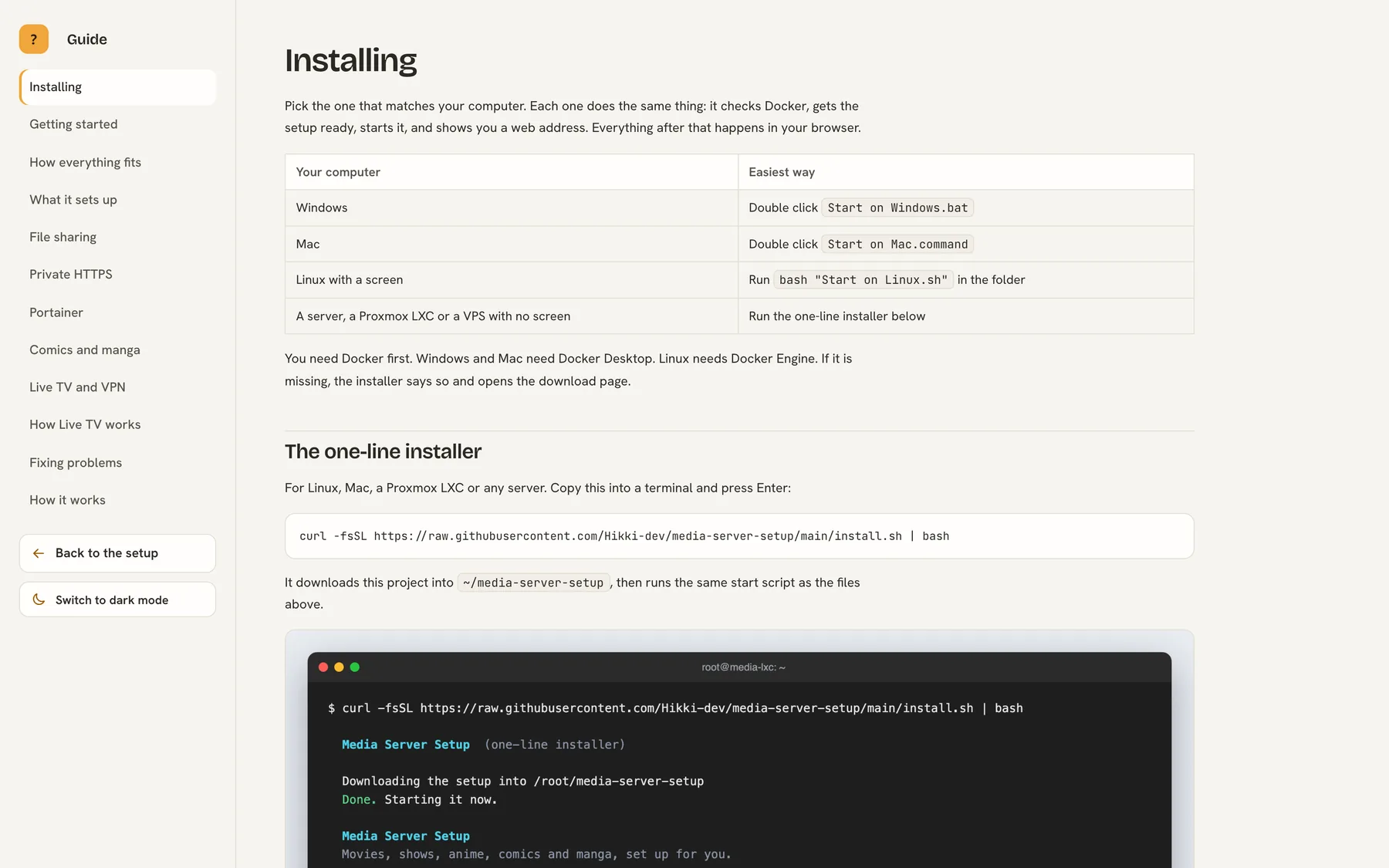
The guide page 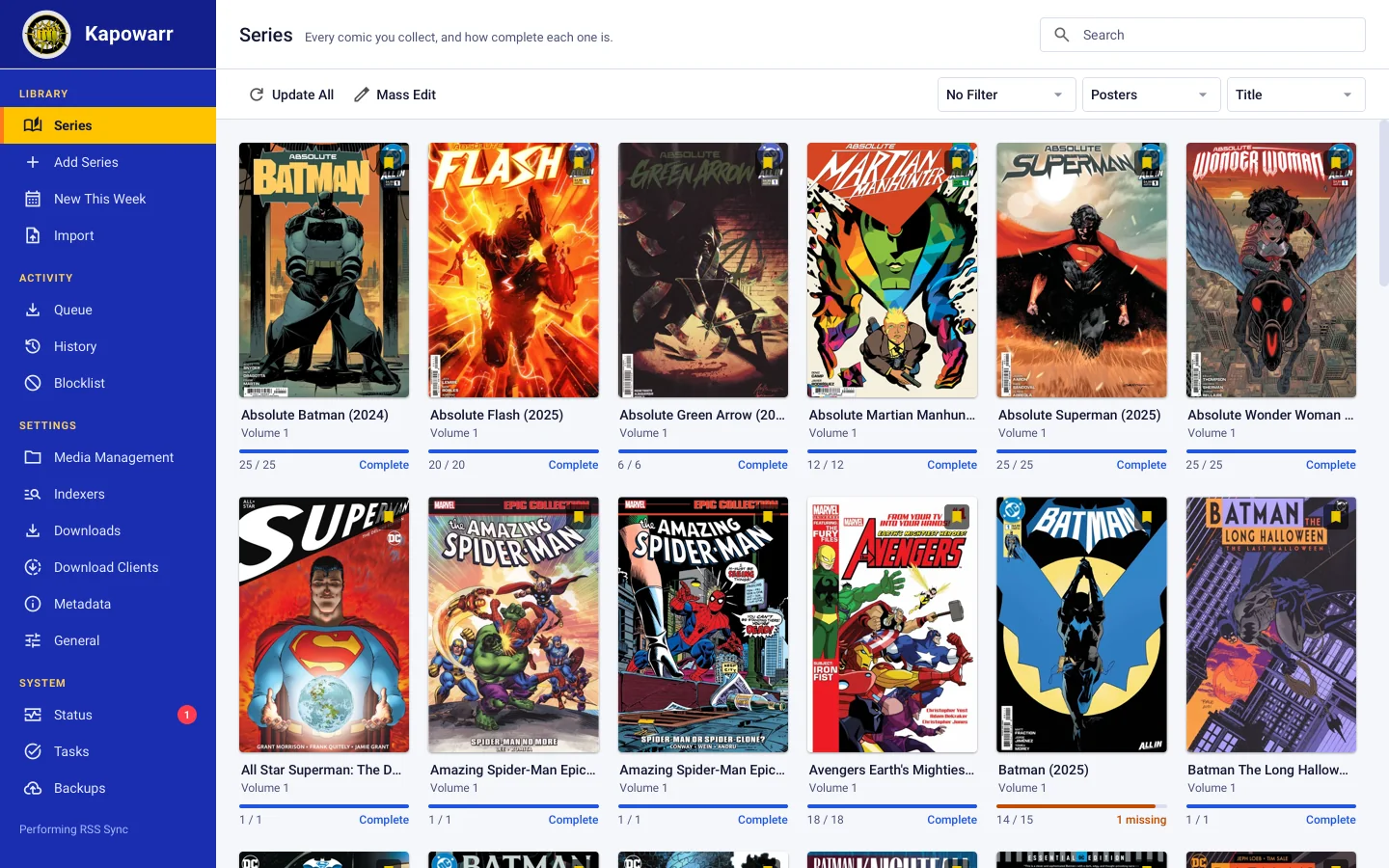
Comics, set up and tidy in Kapowarr
How it works
What happens after someone asks for a show, a comic or a manga.
- 1You ask for somethingSeerrIn one friendly page.Request page for family and friends.
- 2It finds the best matchRadarr and Sonarr via ProwlarrSearching the sites you trust.One indexer list for both, and for comics.
- 3It downloads itqBittorrentInto your library.Stops uploading when done.
- 4Subtitles are addedBazarrEnglish first.Language rules per profile.
- 5Comics and manga are filedKapowarr, Rensaiō and KomgaNamed, sorted and ready to read.One manga folder, hardlinks where the drive allows.
- 6You press playJellyfinOn any device.Plays on phones, TVs and browsers.
What it is built with
The tools I chose, and the simple reason for each.The stack and why each piece earned its place.
-

Python
Runs the installer and the setup wizard on any computer.
-

Docker
Every app runs in its own container, so nothing clashes.
-

Cloudflare
Hosts the website and the click-through demo for free.
What I did
- Designed the wizard and its plain-words copy.
- Built the installer, launchers and the checks.
- Forked and improved the comic and manga apps it installs.
- Built the demo and the website.
- Wrote the documentation, including a guide for every app.
By the numbers
- 13apps connected for you
- 9wizard steps
- 4ways to install
- 1real search to prove it works
Read the docs
Every project has written documentation in plain words. Start at the top and go as deep as you like.
- README: start here
What you get and how to install.
Anyone - Live demo
Click through the whole setup wizard.
Anyone - Comics and manga
The two optional apps, with screenshots.
Anyone - What it sets up
Exactly what is installed and why.
Curious - Other hardware
Proxmox, Raspberry Pi, Synology and Unraid.
Developers
Try the demo
Click through the whole setup wizard in your browser. Nothing is installed.